How to play Beast of Reincarnation on a low-end PC?
Stream Beast of Reincarnation from a real RTX Windows PC. No graphics card to buy, no PC to build, just the Blight waiting for Emma and Koo.
So, how do you play
Beast of Reincarnation on a low-end PC?
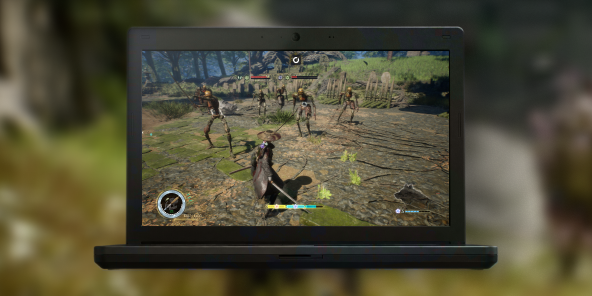
Honestly, without touching your PC. Beast of Reincarnation drops you into a shifting, post-apocalyptic Japan: real-time biome changes, boss fights that punish anything short of a recent RTX card. A machine that handles all of that smoothly costs well over a thousand dollars, and you replace it every few years. Or skip the upgrade and stream a real gaming PC instead. Shadow PC gives you Windows 11, your own Steam library, your own save file. The full game, on the low-end PC you already own.
Why Shadow PC is the best PC to play Beast of Reincarnation
1. Day-one access, without the GPU upgrade
Beast of Reincarnation launches August 4, and Shadow PC gets you there without spending a cent on new hardware. A dedicated NVIDIA RTX GPU runs the game at the settings a fresh gaming rig would, already installed and ready before launch day. Power gives you 20GB of VRAM and 28GB of RAM, streamed straight to the low-end PC you already own. Nothing to order, nothing to assemble.
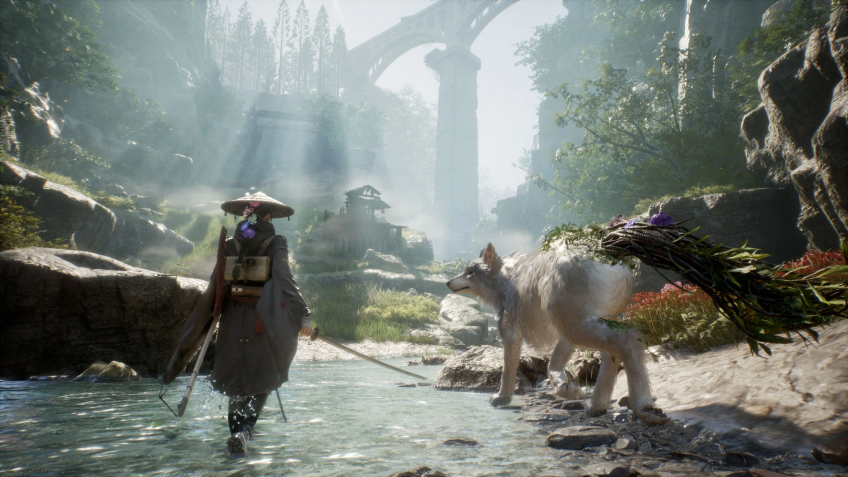
2. Every shifting biome, maxed out
Stream from a real RTX-powered Windows PC, straight to your screen. Full settings, smooth frame rates, every shader on. Watch wastelands fold into dense forest in real time, and every vine tendril in Emma's hair render in full detail as she and Koo cut through the Blight. The full vision Game Freak built, native to the screen you already own.
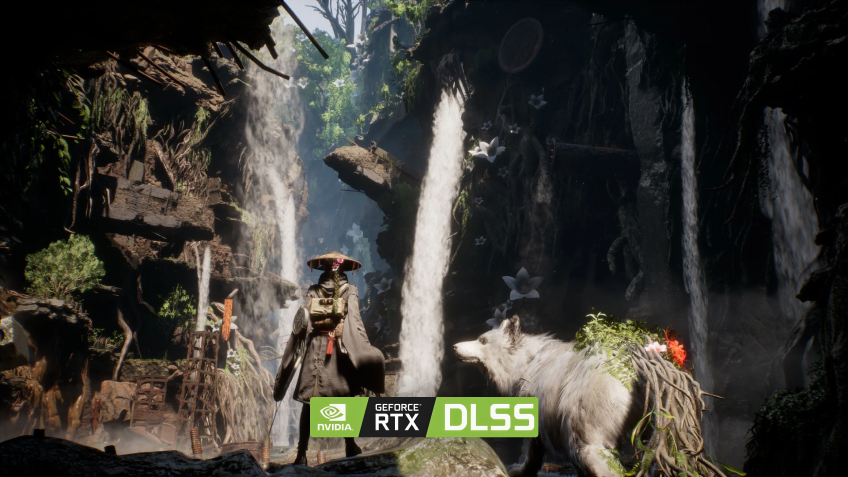
3. Built for the low-end PC you already have
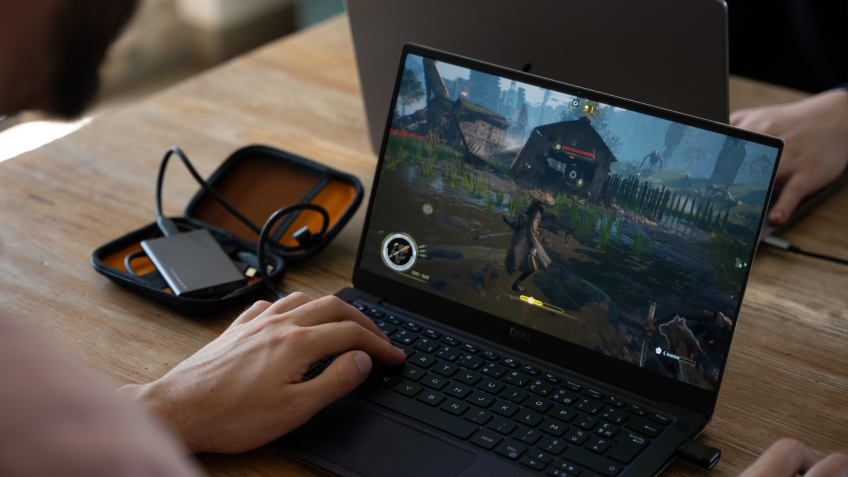
No assembly. No new graphics card. No driver updates to chase. Shadow PC ships ready and stays current: GPU drivers, Windows patches, launchers, all kept fresh on our side. Plug in your mouse, keyboard, headset and controller, and a PlayStation or Xbox pad pairs in seconds for Koo's command menu. Wi-Fi 6 or Ethernet recommended. Beast of Reincarnation runs great on what you already own, thanks to Shadow PC.
Shadow PC versus other ways to play Beast of Reincarnation at full power
| Shadow PC | Upgrading your GPU | Buying a new gaming PC | |
|---|---|---|---|
| Set up in 5 minutes |
Shadow PC
|
Upgrading your GPU
Hours of install and drivers
|
Buying a new gaming PC
Some setup time
|
| 4K, maxed-out settings |
Shadow PC
|
Upgrading your GPU
Depends on the card you buy
|
Buying a new gaming PC
Depends on the build
|
| Day-one August 4 access |
Shadow PC
|
Upgrading your GPU
Wait for the part to ship
|
Buying a new gaming PC
Wait for delivery
|
| No upgrade cycle for future releases |
Shadow PC
|
Upgrading your GPU
Another card in a year or two
|
Buying a new gaming PC
New PC in 3 to 4 years
|
| Zero upfront hardware cost |
Shadow PC
|
Upgrading your GPU
Card alone: $400 and up
|
Buying a new gaming PC
$1,000 and up upfront
|
| Play from any device you already own |
Shadow PC
|
Upgrading your GPU
Locked to that one PC
|
Buying a new gaming PC
Locked to that one PC
|

Power is the Shadow PC built for Beast of Reincarnation
To run Beast of Reincarnation at full settings, real-time biome shifts rendered smoothly and every parry landing on time, we recommend Power. It gives you the headroom to explore every corner of the Blight without dropping a frame, streaming to the laptop, desktop or TV you already own.
Neo Lite
for 12 months, as one payment of $269.91

 Perfect for occasional gaming in 1440p with RTX
 Up to 120 hours of play per month, sessions up to 4hStream to any device in 1440pInstall your games & mods from Steam, Epic, Battle.net...*Upgrade to Shadow PC anytime as you play more
Power Lite
for 12 months, as one payment of $395.91
Up to 50% more GPU power than Neo28GB RAM / 20GB VRAM for better in-game performanceUp to 120 hours of play per month, sessions up to 4hStream to any device in 1440pInstall your games & mods from Steam, Epic, Battle.net...*Upgrade to Shadow PC anytime as you play more
Neo
per month
Perfect for 1080/1440p gaming with RTXStream to any device up to 1440p+Install your games & mods from Steam, Epic, Battle.net...*Multi screen and ultrawide supportNVIDIA RTX and DLSS compatibility
Power
per month
Up to 50% more GPU power
 28GB RAM / 20GB VRAM for better gaming performanceStream to any device up to 5K+Install your games & mods from Steam, Epic, Battle.net...*Multi screen and ultrawide supportNVIDIA RTX and DLSS compatibility
Getting started in 3 easy steps
Whether you're on a 6-year-old laptop, an old desktop, a Chromebook or any TV with a streaming stick, Shadow gives you the best PC for Beast of Reincarnation in three clicks. No hardware to buy, no card to install, no Windows to set up.

Go to shadow.tech and select the PC configuration that matches your performance needs.

Install the Shadow client on your current Windows or Linux machine, or connect straight from your browser via pc.shadow.tech.

Start your Shadow PC, install Steam, pre-order Beast of Reincarnation, and step into the Blight with Emma and Koo. That's it.
Beast of Reincarnation in short
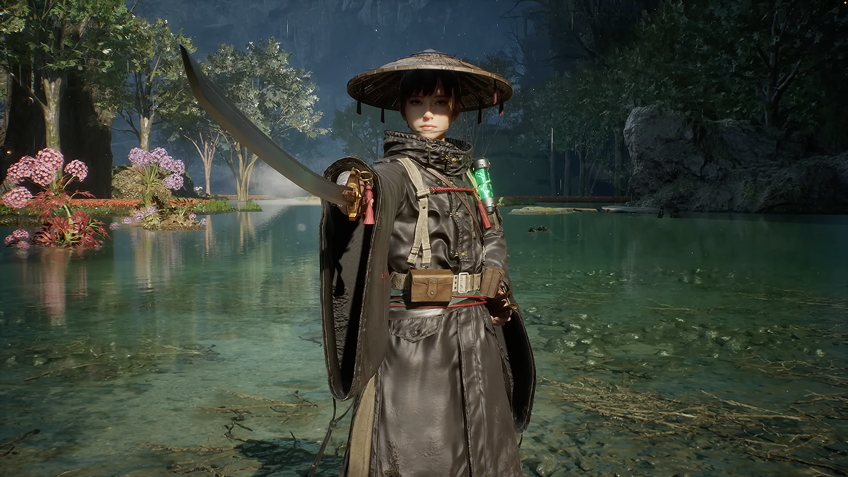
Beast of Reincarnation is Game Freak's first original action RPG outside Pokémon, published by Fictions and releasing August 4, 2026 on PC, PS5 and Xbox Series X|S. You play Emma, an outcast bound to a corruption called the Blight, alongside her dog Koo. Real-time sword combat blends with turn-based commands earned through parries. Biomes shift in real time as you cross a post-apocalyptic Japan.

FAQ
Shadow is a complete Windows gaming PC fully hosted in the cloud. It’s the only virtual machine whose performance rivals that of a local PC. And unlike cloud-gaming services, you can install and run any game, app, or software: there’s no restricted catalog.
Your Shadow is a true professional Windows workstation. Install everything you need*: Adobe Suite, CAD tools, development IDEs, etc.
Any device capable of playing HD video works as a client. Shadow PC runs in a lightweight app on Windows, Linux, Mac, Android, iOS or Apple TV, or in any browser. The heavy lifting happens in the cloud.
For each device of your choosing, you can download the Shadow PC software client for free; in particular, this will allow you to test the browsing quality and adjust your video quality settings to the highest resolution, such as 4k. When you need to quickly access your environment and files via a new device or a workstation that's limited in terms of software installation, you can now directly access your Shadow PC via a browser. No installation required, it's quick and easy: Just head to the pc.shadow.tech web page! This access mode comes particularly in handy when you're giving a client a demo or delivering training via a demanding software directly on your clients or prospects' device: No need to lug around your own hardware, with your software and data, as Shadow PC gives you easy and instant access to it, at any tie and anywhere.
Yes, with Shadow you get 1 Gb/s download speeds to your Shadow PC, even if your local internet connection is slow.
No. Streaming latency is virtually imperceptible, and on a stable 50 Mb/s connection the result matches a local PC.
Yes, Shadow does not limit the resolution, allowing you to run Windows, your games, and software in 4K UHD. Please note that some games may not support 4K or may experience reduced performance at this resolution. Additionally, higher resolutions require more bandwidth, meaning you'll need a faster and more stable internet connection compared to lower resolutions.