What is the best way to play Marvel Tōkon: Fighting Souls on Mac?
Play Marvel Tōkon: Fighting Souls on Mac from day one, streaming a real RTX Windows PC. No install, no hardware to buy.
So, what is the best PC to play
Marvel Tōkon: Fighting Souls?
Honestly, the one you don't have to buy. Marvel Tōkon: Fighting Souls brings twenty Marvel heroes and villains into 4v4 team battles, built by Arc System Works. A machine that runs that cleanly costs well over a thousand euros, and you replace it every couple of years. Or you skip the box and stream a real gaming PC instead. Shadow PC gives you Windows 11, your own Steam or Epic library, your own settings. The full game, on the Mac you already own.
Why Shadow PC is the best PC to play Marvel Tōkon: Fighting Souls
1. Play Marvel Tōkon: Fighting Souls day one, on your Mac
Marvel Tōkon: Fighting Souls launches August 6, 2026 on PS5 and Windows PC, with no Mac version announced. With Shadow PC, you are not waiting on a hypothetical port: you play on release day, on a real Windows 11 PC with a dedicated NVIDIA RTX GPU. Power gives you 20 GB of VRAM and 28 GB of RAM, already set up. Nothing to order, nothing to assemble, just your Mac and your Steam or Epic account.

2. The anime style of Arc System Works, live on your screen
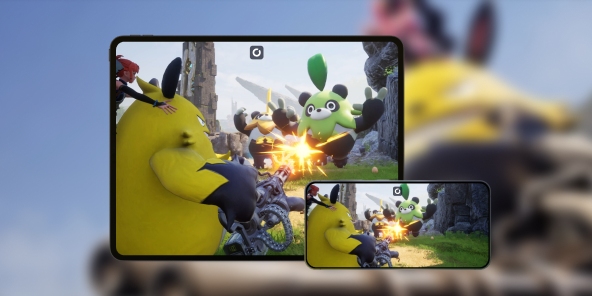
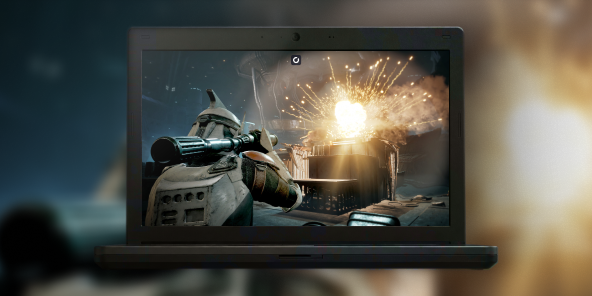
Marvel Tōkon: Fighting Souls runs on Unreal Engine 5, carrying the look that built Arc System Works reputation on Guilty Gear and Dragon Ball FighterZ. Streamed from a real RTX PC, every special effect, every animation for Spider-Man, Wolverine or Hulk lands crisp on your Mac screen, at your display native resolution and refresh rate. Shadow PC can stream up to 4K on the Power plan.

3. Built for the Mac you already have
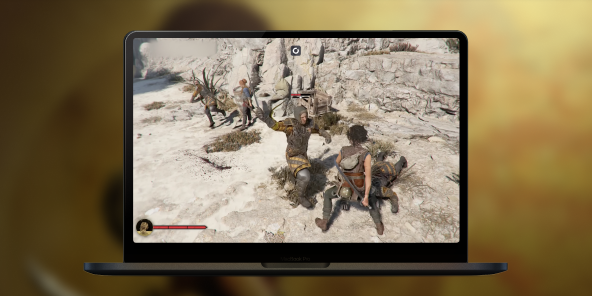
No Boot Camp, no Windows partition, no new PC to build. Shadow PC ships ready and stays current: GPU drivers, Windows updates, launchers, all kept fresh on our side. Plug in your mouse, keyboard, headset, or pair a PlayStation or Xbox controller in seconds. Marvel Tōkon: Fighting Souls runs great on the Mac you already own, thanks to Shadow PC.

Shadow PC versus other ways to play Marvel Tōkon: Fighting Souls on Mac
| Shadow PC | Emulators / Boot Camp | Regular cloud gaming | |
|---|---|---|---|
| Set up in 5 minutes |
Shadow PC
|
Emulators / Boot Camp
Hours of tinkering
|
Regular cloud gaming
A few minutes
|
| Full game with your Steam or Epic library |
Shadow PC
|
Emulators / Boot Camp
Unstable or missing port
|
Regular cloud gaming
Closed catalog
|
| Access from day one, August 6 |
Shadow PC
|
Emulators / Boot Camp
No guaranteed port
|
Regular cloud gaming
Depends on catalog
|
| No hardware upgrade cycle |
Shadow PC
|
Emulators / Boot Camp
|
Regular cloud gaming
|
| Zero upfront hardware cost |
Shadow PC
|
Emulators / Boot Camp
|
Regular cloud gaming
|
| Play from the Mac you already own |
Shadow PC
|
Emulators / Boot Camp
Requires native Windows
|
Regular cloud gaming
|

Power, the Shadow PC built for Marvel Tōkon: Fighting Souls
For a smooth fighting game, with Unreal Engine 5 animations that never stutter and ranked sessions you can trust, we recommend Power. You get the headroom to chain every combo without compromise, streaming to any Mac, PC or TV you already own.
Neo Lite
für 12 Monate, in einer Einmalzahlung von €233.91
Power Lite
für 12 Monate, in einer Einmalzahlung von €359.91
Neo
pro Monat
Power
pro Monat
Getting started in 3 easy steps
Whether you are on a MacBook, an iMac or a Mac mini, Shadow gives you the best PC for Marvel Tōkon: Fighting Souls in three clicks. No hardware to buy, no system to build, no Windows to install.
Go to shadow.tech and select the PC configuration that matches your performance needs.
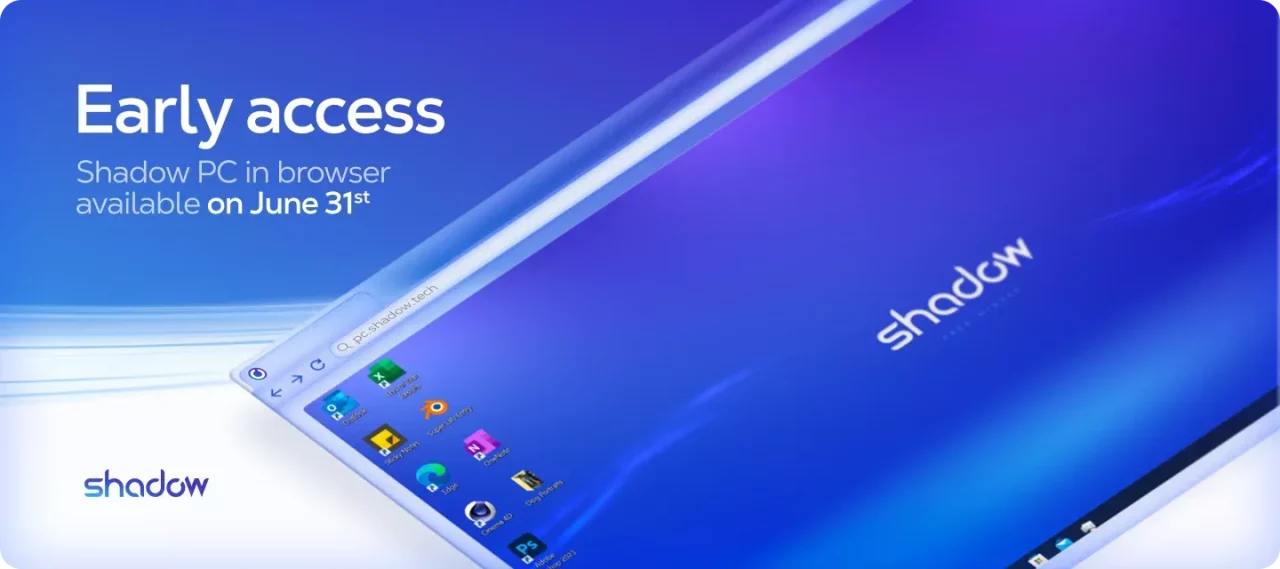
Install the Shadow app on your Mac, or connect straight from your browser via pc.shadow.tech.
Start your Shadow PC, install Steam or the Epic Games Store, grab Marvel Tōkon: Fighting Souls, and pick your team of four heroes. That's it.
Marvel Tōkon: Fighting Souls in short
Marvel Tōkon: Fighting Souls is a team fighting game developed by Arc System Works, published by PlayStation Studios and Sony Interactive Entertainment in partnership with Marvel Games. Twenty characters at launch, including Spider-Man, Iron Man, Wolverine and Hulk, grouped into teams of four. Tag and assist systems, a Story mode, ranked and casual matches. Releasing August 6, 2026 on PS5 and PC.


FAQ
Shadow PC is a complete Windows 11 gaming PC hosted in the cloud, with its own dedicated GPU. You install and run any game, app or software, with no restricted catalog.
Ihr Shadow ist eine echte professionelle Windows-Arbeitsstation. Installieren Sie alles, was Sie benötigen*: Adobe Suite, CAD-Programme, Entwicklungsumgebungen, usw.
kompatibel-mit-allen-macs
Für jedes Endgerät Ihrer Wahl steht die Shadow PC Clientsoftware kostenlos zum Download zur Verfügung; Diese ermöglicht Ihnen insbesondere das Testen der Navigationsqualität und die Anpassung Ihrer Einstellungen für Videoqualität bis hin zur höchsten Auflösung von 4k. Für den schnellen Zugriff von einem neuen Endgerät oder einem Arbeitsplatz mit beschränkten Möglichkeiten zur Softwareinstallation können Sie jetzt direkt über einen Browser auf Ihren Shadow PC zugreifen. Und zwar ganz schnell und einfach, es ist keine Installation erforderlich: Besuchen Sie die Seite pc.shadow.tech! Dieser Zugriffsmodus ist besonders praktisch, wenn Sie Ihre Inhalte über eine anspruchsvolle Software direkt vom Rechner Ihrer Kunden und Interessenten aus vorführen oder schulen wollen: Sie müssen nun Ihr Endgerät, Ihre Software und Ihre Daten nicht mit sich herumtragen, sondern können ganz einfach ortsunabhängig darauf zugreifen.
Yes. Shadow PC downloads at up to 1 Gb/s to your virtual PC, even if your local connection is slower.
No. Streaming latency is virtually imperceptible, and on a stable 50 Mb/s connection the result matches a local PC.
Yes. Shadow PC streams up to 4K UHD, higher on Power. Some games may not support 4K natively.
Marvel Tōkon: Fighting Souls uses Easy Anti-Cheat. Its compatibility with cloud environments like Shadow PC depends on configuration choices made by the publisher, not yet confirmed as of this writing. This page will be updated once that is verified.