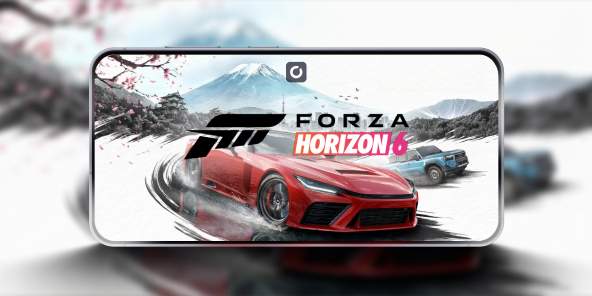
How can you play Forza Horizon 6 on iOS and Android devices?
Looking to play Forza Horizon 6 on Android or iOS? There's no official port, as Playground Games built the game exclusively for 9th-generation hardware to handle the heavy ForzaTech engine. Avoid fake APKs-they're dangerous malware. The only secure way to get the full Forza Horizon 6 mobile experience is with cloud gaming, streaming the action directly to your phone or tablet.

Forza Horizon 6 and the mobile hardware barrier
Developer Playground Games built the expansive Japanese open world of Forza Horizon 6 for high-end hardware using the demanding ForzaTech engine. Mobile devices simply can't match the required dedicated PC GPU (like a minimum GTX 1650) needed to render its complex weather and lighting. Because a native port is impossible, any file claiming to be an apk forza horizon 6 is a malware risk. The only legitimate way to play on your phone is with a secure cloud gaming solution.
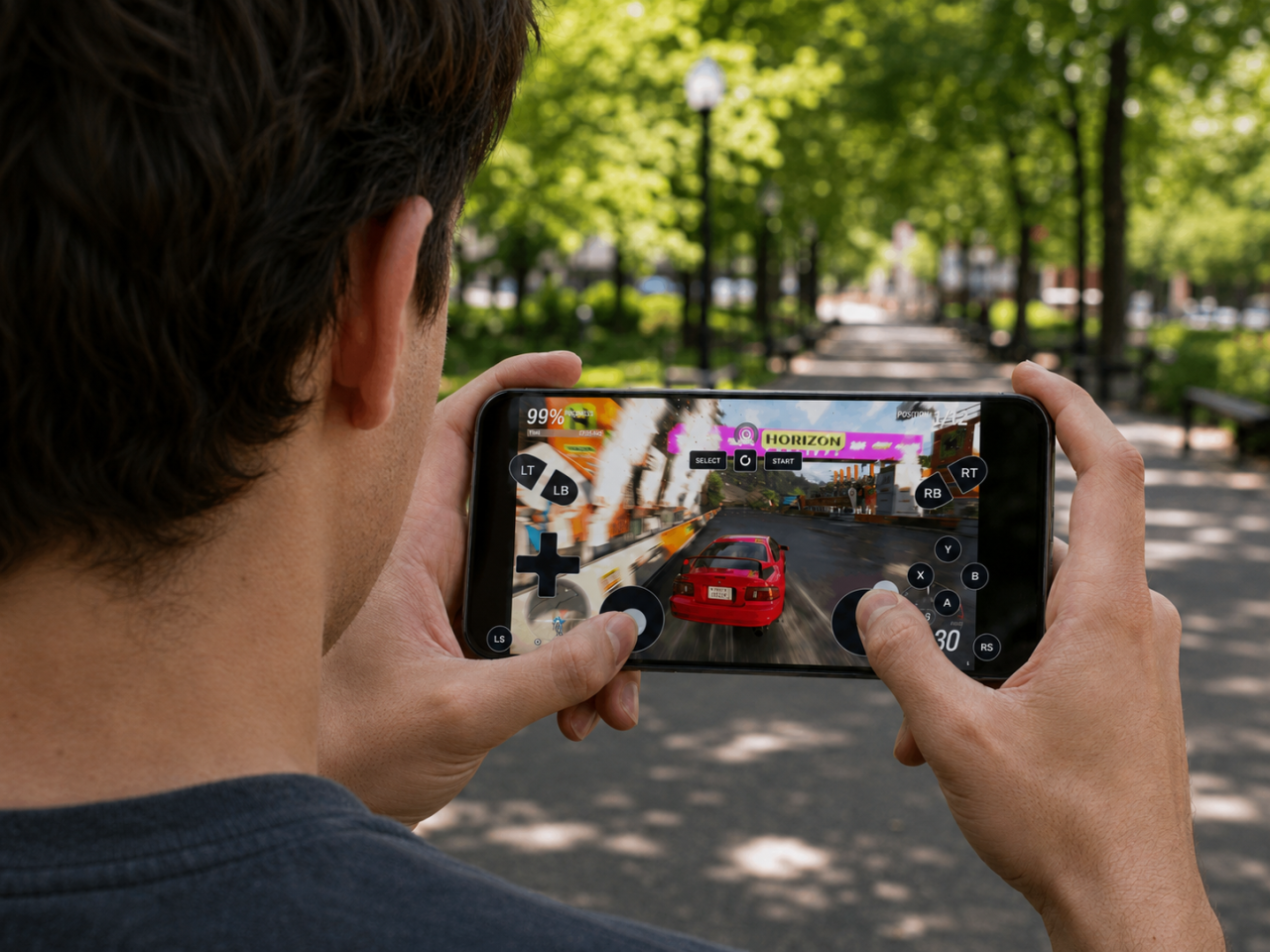
How to play Forza Horizon 6 on smartphones?
Mobile-native racing alternatives
Because Playground Games' stunning ForzaTech engine is too demanding for mobile phones, many racers look for native apps. Titles like Assoluto Racing offer a dedicated mobile experience, optimized for touchscreens and instant play. While they provide a fun racing fix on the go, they are a compromise and can't replicate the scale, car culture, or sheer graphical power of a full-fledged Forza Horizon title. They're an entirely different class of game for a different purpose.
Xbox Cloud Gaming via Game Pass Ultimate
This is the official and most direct way to stream the console version of Forza Horizon 6. With a Game Pass Ultimate subscription, Xbox Cloud Gaming lets you jump into the action quickly on your iOS or Android device. It’s a seamless, well-integrated experience for console players. However, this convenience comes with trade-offs: the stream is capped at 1080p, you're locked into the console ecosystem, and there's absolutely no support for community mods.
Uncompromised PC Gaming with Shadow PC
For the ultimate experience, Shadow PC gives you a powerful Windows 11 PC in the cloud. This solves the locked-ecosystem problem by letting you install the full PC version of Forza Horizon 6 from any store, including PC Game Pass or Steam. Unleash the game's true potential with desktop-class graphics, max out your settings to see Tokyo's ray-traced neon lights in their full glory, and install any community mods you want. It's the definitive way to play without compromise.

Why your phone can't handle PC-level graphics
The sheer graphical fidelity of Forza Horizon 6 makes a native mobile version impossible-features like ray-traced lighting would instantly overheat your phone and drain the battery. Shadow PC bypasses these limits by giving you a full Windows 11 PC in the cloud. All the intense rendering is handled by a dedicated GPU, keeping your phone cool and quiet. Because it's a real PC, you can connect your preferred Bluetooth controller for precise racing. This is how you get uncompromised PC gaming, with every setting maxed out, streamed directly to your iOS or Android device.
Our offers
To get the ultimate Forza Horizon 6 experience on mobile, we recommend our Power and Neo configurations. These plans provide the dedicated cloud GPU horsepower required to tame Playground Games' demanding ForzaTech engine, letting you stream the game's complex seasonal weather and ray-traced neon lighting seamlessly to your iOS or Android screen.
Neo Lite
per month

 Perfect for occasional gaming in 1440p with RTX
 Up to 120 hours of play per month, sessions up to 4hStream to any device in 1440pInstall your games & mods from Steam, Epic, Battle.net...*Upgrade to Shadow PC anytime as you play more
Power Lite
per month
Up to 50% more GPU power than Neo28GB RAM / 20GB VRAM for better in-game performanceUp to 120 hours of play per month, sessions up to 4hStream to any device in 1440pInstall your games & mods from Steam, Epic, Battle.net...*Upgrade to Shadow PC anytime as you play more
Neo
For the first six months, 45,99$ after.
Perfect for 1080/1440p gaming with RTXStream to any device up to 1440p+Install your games & mods from Steam, Epic, Battle.net...*Multi screen and ultrawide supportNVIDIA RTX and DLSS compatibility
Power
For the first six months, 63,99$ after.
Up to 50% more GPU power
 28GB RAM / 20GB VRAM for better gaming performanceStream to any device up to 5K+Install your games & mods from Steam, Epic, Battle.net...*Multi screen and ultrawide supportNVIDIA RTX and DLSS compatibility
Forza Horizon 6 in brief
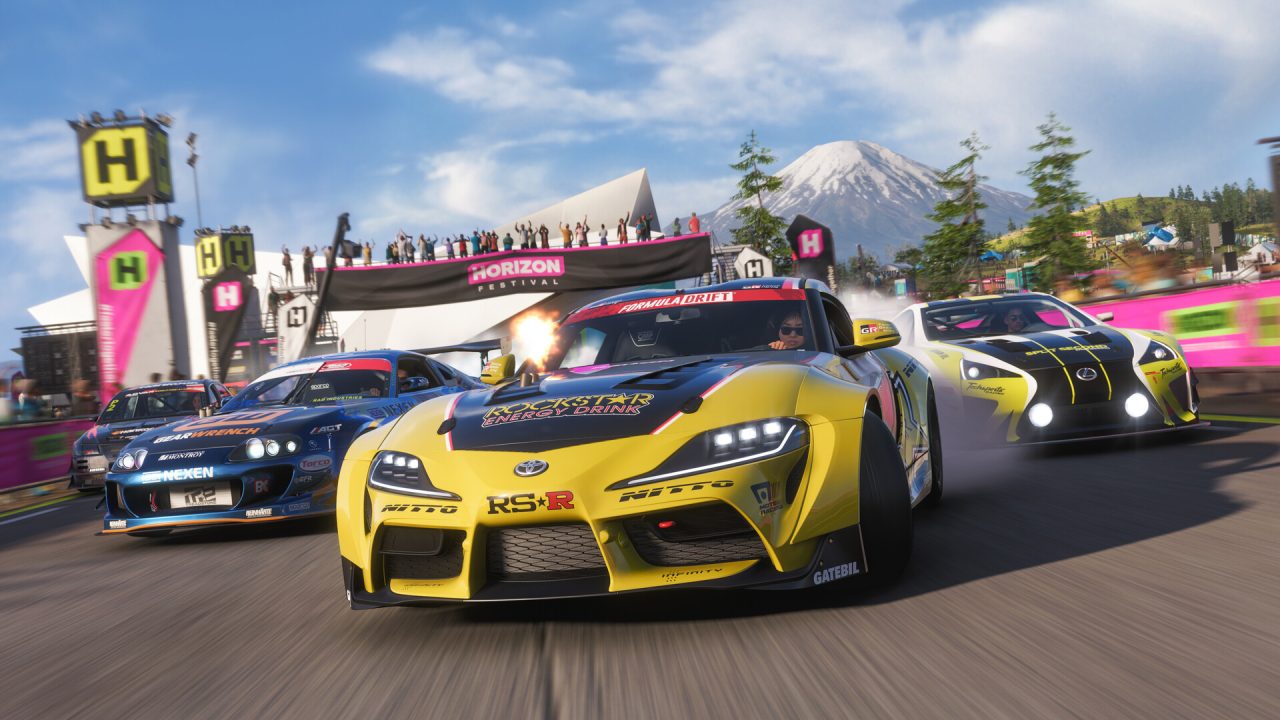
Forza Horizon 6 is the premier open-world arcade racing experience from Playground Games, set in a vast, fictionalized Japan. Gameplay is a deep dive into its legendary car culture, emphasizing meticulous jdm tuning to conquer thrilling touge battles on winding mountain passes. The classic Wristband progression system makes a return, challenging you to rise from an unknown tourist to a racing icon. Earn your way through the ranks to ultimately gain access to the exclusive Legend Island.

FAQ
Shadow is a complete Windows gaming PC fully hosted in the cloud. It’s the only virtual machine whose performance rivals that of a local PC. And unlike cloud-gaming services, you can install and run any game, app, or software: there’s no restricted catalog.
Your Shadow is a true professional Windows workstation. Install everything you need*: Adobe Suite, CAD tools, development IDEs, etc.
Yes, both the Shadow app and the browser version work on most recent versions of macOS and computers.
For each device of your choosing, you can download the Shadow PC software client for free; in particular, this will allow you to test the browsing quality and adjust your video quality settings to the highest resolution, such as 4k. When you need to quickly access your environment and files via a new device or a workstation that's limited in terms of software installation, you can now directly access your Shadow PC via a browser. No installation required, it's quick and easy: Just head to the pc.shadow.tech web page! This access mode comes particularly in handy when you're giving a client a demo or delivering training via a demanding software directly on your clients or prospects' device: No need to lug around your own hardware, with your software and data, as Shadow PC gives you easy and instant access to it, at any tie and anywhere.
Yes, with Shadow you get 1 Gb/s download speeds to your Shadow PC, even if your local internet connection is slow.
In short: no. We provide enough power to meet your needs based on your chosen plan. Regarding latency, our advanced technology enables smooth usage even at low bandwidth (starting at 15 Mb/s), delivering virtually imperceptible latency. Of course, compression can impact image quality, and if your connection is too weak, you may notice a difference compared to the original image.
Yes, Shadow does not limit the resolution, allowing you to run Windows, your games, and software in 4K UHD. Please note that some games may not support 4K or may experience reduced performance at this resolution. Additionally, higher resolutions require more bandwidth, meaning you'll need a faster and more stable internet connection compared to lower resolutions.
Yes, you can activate a second screen directly on the Quick Menu.