What is the best way to play Marvel Tōkon: Fighting Souls on Mac?
Play Marvel Tōkon: Fighting Souls on Mac from day one, streaming a real RTX Windows PC. No install, no hardware to buy.
So, what is the best PC to play
Marvel Tōkon: Fighting Souls?
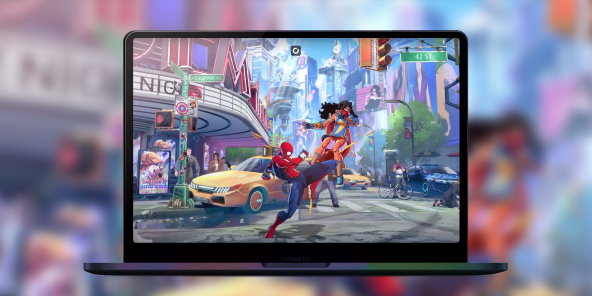
Honestly, the one you don't have to buy. Marvel Tōkon: Fighting Souls brings twenty Marvel heroes and villains into 4v4 team battles, built by Arc System Works. A machine that runs that cleanly costs well over a thousand euros, and you replace it every couple of years. Or you skip the box and stream a real gaming PC instead. Shadow PC gives you Windows 11, your own Steam or Epic library, your own settings. The full game, on the Mac you already own.
Why Shadow PC is the best PC to play Marvel Tōkon: Fighting Souls
1. Play Marvel Tōkon: Fighting Souls day one, on your Mac
Marvel Tōkon: Fighting Souls launches August 6, 2026 on PS5 and Windows PC, with no Mac version announced. With Shadow PC, you are not waiting on a hypothetical port: you play on release day, on a real Windows 11 PC with a dedicated NVIDIA RTX GPU. Power gives you 20 GB of VRAM and 28 GB of RAM, already set up. Nothing to order, nothing to assemble, just your Mac and your Steam or Epic account.
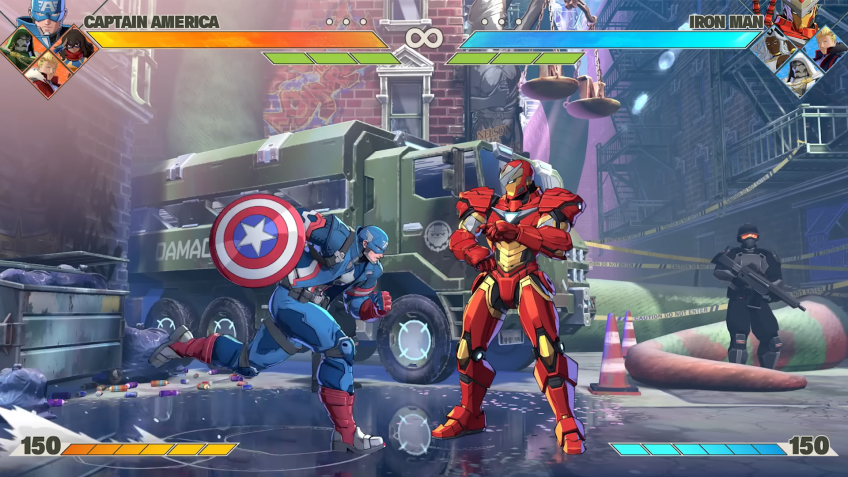
2. The anime style of Arc System Works, live on your screen
Marvel Tōkon: Fighting Souls runs on Unreal Engine 5, carrying the look that built Arc System Works reputation on Guilty Gear and Dragon Ball FighterZ. Streamed from a real RTX PC, every special effect, every animation for Spider-Man, Wolverine or Hulk lands crisp on your Mac screen, at your display native resolution and refresh rate. Shadow PC can stream up to 4K on the Power plan.
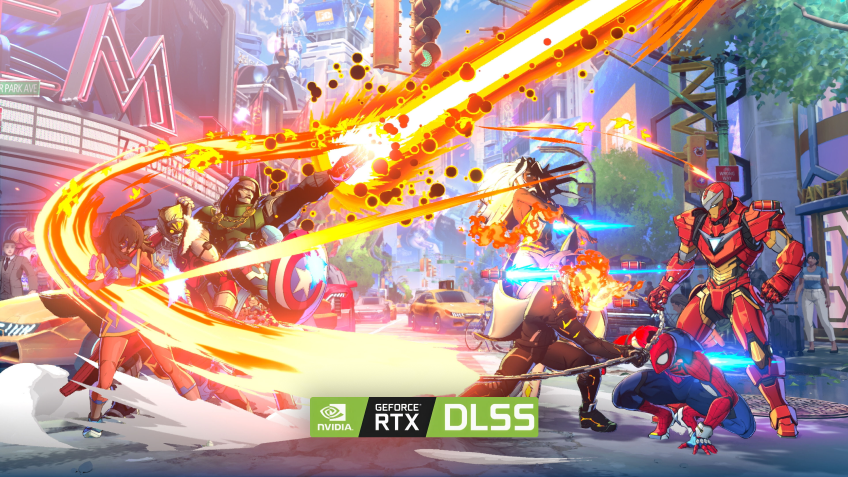
3. Built for the Mac you already have
No Boot Camp, no Windows partition, no new PC to build. Shadow PC ships ready and stays current: GPU drivers, Windows updates, launchers, all kept fresh on our side. Plug in your mouse, keyboard, headset, or pair a PlayStation or Xbox controller in seconds. Marvel Tōkon: Fighting Souls runs great on the Mac you already own, thanks to Shadow PC.
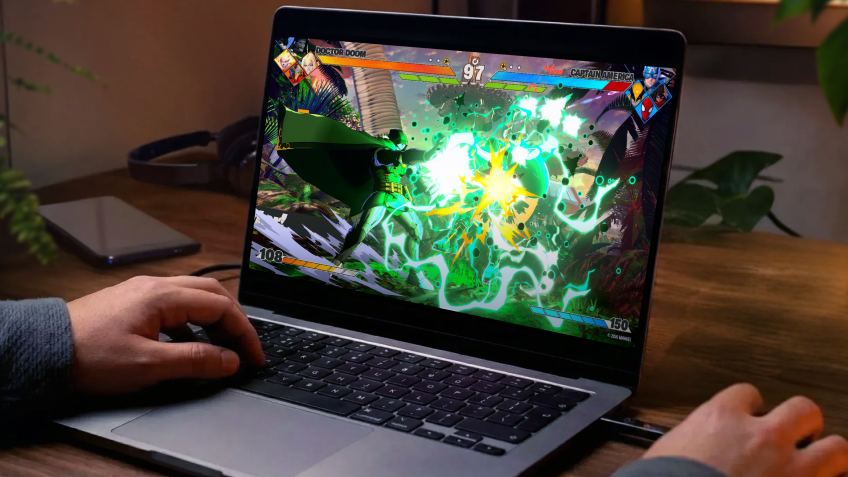
Shadow PC versus other ways to play Marvel Tōkon: Fighting Souls on Mac
| Shadow PC | Emulators / Boot Camp | Regular cloud gaming | |
|---|---|---|---|
| Set up in 5 minutes |
Shadow PC
|
Emulators / Boot Camp
Hours of tinkering
|
Regular cloud gaming
A few minutes
|
| Full game with your Steam or Epic library |
Shadow PC
|
Emulators / Boot Camp
Unstable or missing port
|
Regular cloud gaming
Closed catalog
|
| Access from day one, August 6 |
Shadow PC
|
Emulators / Boot Camp
No guaranteed port
|
Regular cloud gaming
Depends on catalog
|
| No hardware upgrade cycle |
Shadow PC
|
Emulators / Boot Camp
|
Regular cloud gaming
|
| Zero upfront hardware cost |
Shadow PC
|
Emulators / Boot Camp
|
Regular cloud gaming
|
| Play from the Mac you already own |
Shadow PC
|
Emulators / Boot Camp
Requires native Windows
|
Regular cloud gaming
|

Power, the Shadow PC built for Marvel Tōkon: Fighting Souls
For a smooth fighting game, with Unreal Engine 5 animations that never stutter and ranked sessions you can trust, we recommend Power. You get the headroom to chain every combo without compromise, streaming to any Mac, PC or TV you already own.
Neo Lite
for 12 months, as one payment of $323.91

 Perfect for occasional gaming in 1440p with RTX
 Up to 120 hours of play per month, sessions up to 4hStream to any device in 1440pInstall your games & mods from Steam, Epic, Battle.net...*Upgrade to Shadow PC anytime as you play more
Power Lite
for 12 months, as one payment of $467.91
Up to 50% more GPU power than Neo28GB RAM / 20GB VRAM for better in-game performanceUp to 120 hours of play per month, sessions up to 4hStream to any device in 1440pInstall your games & mods from Steam, Epic, Battle.net...*Upgrade to Shadow PC anytime as you play more
Neo
per month
Perfect for 1080/1440p gaming with RTXStream to any device up to 1440p+Install your games & mods from Steam, Epic, Battle.net...*Multi screen and ultrawide supportNVIDIA RTX and DLSS compatibility
Power
per month
Up to 50% more GPU power
 28GB RAM / 20GB VRAM for better gaming performanceStream to any device up to 5K+Install your games & mods from Steam, Epic, Battle.net...*Multi screen and ultrawide supportNVIDIA RTX and DLSS compatibility
Getting started in 3 easy steps
Whether you are on a MacBook, an iMac or a Mac mini, Shadow gives you the best PC for Marvel Tōkon: Fighting Souls in three clicks. No hardware to buy, no system to build, no Windows to install.

Go to shadow.tech and select the PC configuration that matches your performance needs.

Install the Shadow app on your Mac, or connect straight from your browser via pc.shadow.tech.

Start your Shadow PC, install Steam or the Epic Games Store, grab Marvel Tōkon: Fighting Souls, and pick your team of four heroes. That's it.
Marvel Tōkon: Fighting Souls in short
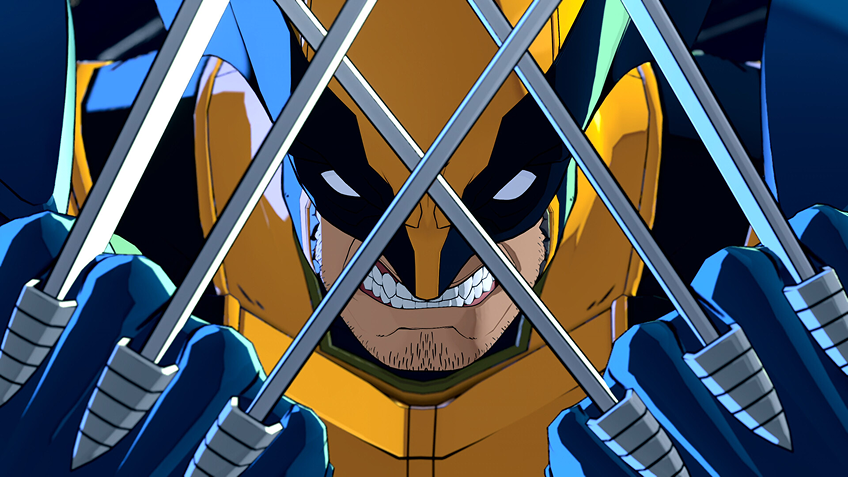
Marvel Tōkon: Fighting Souls is a team fighting game developed by Arc System Works, published by PlayStation Studios and Sony Interactive Entertainment in partnership with Marvel Games. Twenty characters at launch, including Spider-Man, Iron Man, Wolverine and Hulk, grouped into teams of four. Tag and assist systems, a Story mode, ranked and casual matches. Releasing August 6, 2026 on PS5 and PC.

FAQ
Shadow PC is a complete Windows 11 gaming PC hosted in the cloud, with its own dedicated GPU. You install and run any game, app or software, with no restricted catalog.
Your Shadow is a true professional Windows workstation. Install everything you need*: Adobe Suite, CAD tools, development IDEs, etc.
Yes, both the Shadow app and the browser version work on most recent versions of macOS and computers.
For each device of your choosing, you can download the Shadow PC software client for free; in particular, this will allow you to test the browsing quality and adjust your video quality settings to the highest resolution, such as 4k. When you need to quickly access your environment and files via a new device or a workstation that's limited in terms of software installation, you can now directly access your Shadow PC via a browser. No installation required, it's quick and easy: Just head to the pc.shadow.tech web page! This access mode comes particularly in handy when you're giving a client a demo or delivering training via a demanding software directly on your clients or prospects' device: No need to lug around your own hardware, with your software and data, as Shadow PC gives you easy and instant access to it, at any tie and anywhere.
Yes. Shadow PC downloads at up to 1 Gb/s to your virtual PC, even if your local connection is slower.
No. Streaming latency is virtually imperceptible, and on a stable 50 Mb/s connection the result matches a local PC.
Yes. Shadow PC streams up to 4K UHD, higher on Power. Some games may not support 4K natively.
Marvel Tōkon: Fighting Souls uses Easy Anti-Cheat. Its compatibility with cloud environments like Shadow PC depends on configuration choices made by the publisher, not yet confirmed as of this writing. This page will be updated once that is verified.