What is the best way to play Destiny 2 on Mac?
Destiny 2 has no Mac version. Shadow PC gives you a real RTX Windows PC streamed to any Mac. The full 9-year Guardian saga, in 4K, on the Mac you already own.
So, what is the best PC to play
Destiny 2 on Mac?
Destiny 2 has no Mac version. Never had one. And with nine years of expansions, raids and story arcs now complete, that's a lot to miss. A gaming PC capable of running the full saga smoothly would cost over a thousand euros, and you'd need to keep it next to your Mac. Shadow PC gives you a real Windows 11 machine with a dedicated NVIDIA RTX GPU, your own Steam library, your own Guardian, your own campaign saves. The whole nine years, on the Mac you already own.
Why Shadow PC is the best PC to play Destiny 2
1. The full nine-year saga, on the Mac you already have
From Forsaken to The Edge of Fate, Destiny 2's entire library is yours. Nine expansions, dozens of raids, hundreds of hours, all the content Bungie built between 2017 and 2026, waiting on your Steam account. Shadow PC streams a real Windows 11 PC to your Mac. Your Guardian, your vault, your saves. Launch from Steam, pick up where you left off, or start from scratch.
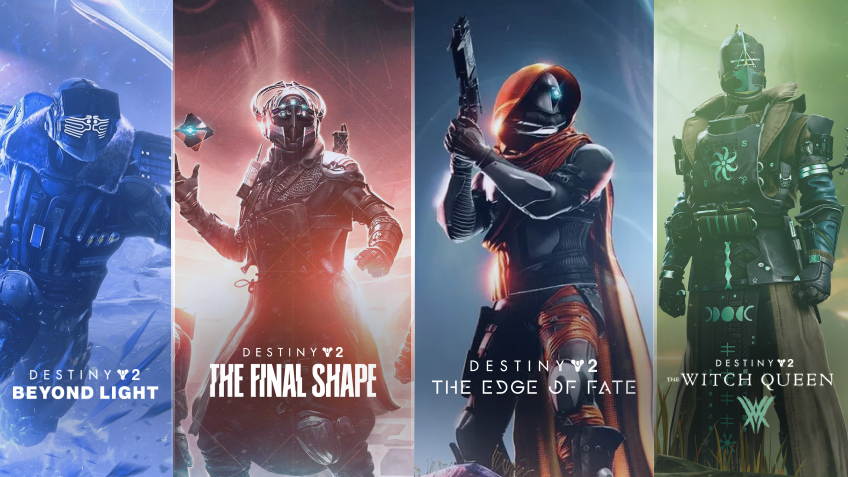
2. The Guardian universe, in full 4K
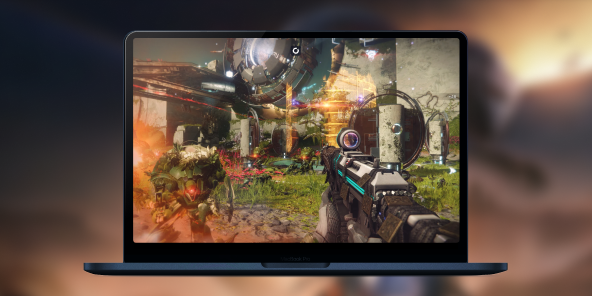
Stream from a real RTX-powered Windows PC to your Mac display. 4K, steady 60 fps, every shader running. The client renders at your monitor's native resolution: every Traveler shard above the Last City, every ice crystal on Kepler's surface, every Sync Kill animation landing crisp on the screen you already own. The full visual experience Bungie shipped, delivered to your Mac.
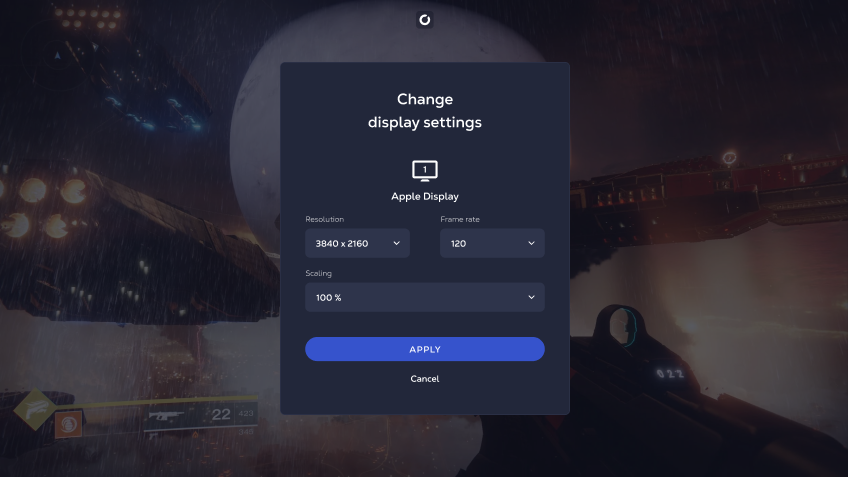
3. Your Mac is ready
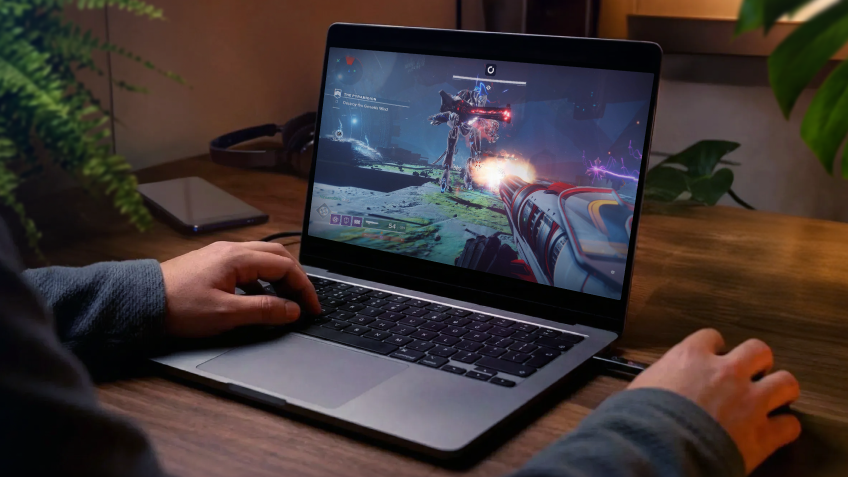
No Windows install. No Boot Camp. No new machine. Shadow PC comes ready and stays current: GPU drivers, Windows patches, Steam, everything kept up to date on our side. Plug in your controller, keyboard and mouse. A PS5 DualSense or Xbox controller pairs in seconds for co-op Strikes and seasonal activities. Your Mac becomes the best PC to play Destiny 2, thanks to Shadow PC.
Shadow PC versus other ways to play Destiny 2 on Mac
| Shadow PC | Windows emulators | Cloud gaming rivals | |
|---|---|---|---|
| Set up in under 5 minutes |
Shadow PC
|
Windows emulators
Hours of config
|
Cloud gaming rivals
Some steps required
|
| Full PC access, all launchers and apps |
Shadow PC
|
Windows emulators
Gaming only, limited
|
Cloud gaming rivals
Titles only, no full PC
|
| 4K at 60 fps on your Mac |
Shadow PC
|
Windows emulators
Weak on integrated GPU
|
Cloud gaming rivals
Varies by service
|
| Works on Apple Silicon M1 to M4 |
Shadow PC
|
Windows emulators
Intel Macs only
|
Cloud gaming rivals
|
| Your own saves, vault and Guardian |
Shadow PC
|
Windows emulators
|
Cloud gaming rivals
Partial only
|
| No hardware to buy or upgrade |
Shadow PC
|
Windows emulators
|
Cloud gaming rivals
|

Power is the Shadow PC built for Destiny 2
Destiny 2's most demanding content, massive raids in 4K and particle effects at full draw distance, benefits from extra GPU headroom. Power gives you 20 GB of VRAM and 28 GB of RAM, already set up. Stream the full nine-year saga to any Mac you own, from MacBook Air to Mac Studio, without touching a hardware upgrade.

Neo Lite
per month

 Perfect for occasional gaming in 1440p with RTX
 Up to 120 hours of play per month, sessions up to 4hStream to any device in 1440pInstall your games & mods from Steam, Epic, Battle.net...*Upgrade to Shadow PC anytime as you play more
Power Lite
per month
Up to 50% more GPU power than Neo28GB RAM / 20GB VRAM for better in-game performanceUp to 120 hours of play per month, sessions up to 4hStream to any device in 1440pInstall your games & mods from Steam, Epic, Battle.net...*Upgrade to Shadow PC anytime as you play more
Neo
For the first six months, 32,99€ after.
Perfect for 1080/1440p gaming with RTXStream to any device up to 1440p+Install your games & mods from Steam, Epic, Battle.net...*Multi screen and ultrawide supportNVIDIA RTX and DLSS compatibility
Power
For the first six months, 49,99€ after.
Up to 50% more GPU power
 28GB RAM / 20GB VRAM for better gaming performanceStream to any device up to 5K+Install your games & mods from Steam, Epic, Battle.net...*Multi screen and ultrawide supportNVIDIA RTX and DLSS compatibility
Getting started in 3 easy steps
Whether you're on a three-year-old MacBook Air or the latest Mac Studio, Shadow PC gives you the best PC for Destiny 2 in three steps. No hardware to buy, no Windows to install, no Boot Camp to configure.

Go to shadow.tech and select the PC configuration that matches your performance needs.

Install the Shadow client on your Mac, or connect directly from your browser via pc.shadow.tech.

Start your Shadow PC, install Steam, download Destiny 2 for free, and begin your Guardian.
Destiny 2 in short
Destiny 2 is a first-person shooter and MMO by Bungie, free-to-play on Steam since October 2019. Guardians defend the Last City across nine expansions, from Forsaken (2018) to The Edge of Fate (2025). The game's final update, Monument of Triumph, was released June 9, 2026. Servers remain active. The complete saga includes raids Vault of Glass, King's Fall, Root of Nightmares and The Desert Perpetual.


FAQ
Shadow PC is a complete Windows 11 gaming PC hosted in the cloud, with its own dedicated GPU. You install and run any game, app or software, with no restricted catalog.
Your Shadow is a true professional Windows workstation. Install everything you need*: Adobe Suite, CAD tools, development IDEs, etc.
Yes. The Shadow app runs on macOS 10.15 or later, on Intel and Apple Silicon Macs (M1 to M4). You can also access your Shadow PC from any browser at pc.shadow.tech.
For each device of your choosing, you can download the Shadow PC software client for free; in particular, this will allow you to test the browsing quality and adjust your video quality settings to the highest resolution, such as 4k. When you need to quickly access your environment and files via a new device or a workstation that's limited in terms of software installation, you can now directly access your Shadow PC via a browser. No installation required, it's quick and easy: Just head to the pc.shadow.tech web page! This access mode comes particularly in handy when you're giving a client a demo or delivering training via a demanding software directly on your clients or prospects' device: No need to lug around your own hardware, with your software and data, as Shadow PC gives you easy and instant access to it, at any tie and anywhere.
Yes. Shadow PC downloads at up to 1 Gb/s to your virtual PC, even if your home connection is slow. Destiny 2 weighs around 100 GB and installs in under 15 minutes on Shadow PC.
No. Streaming latency is virtually imperceptible on a stable 50 Mb/s connection, and image quality matches a local PC at equivalent settings.
Yes. Shadow PC streams up to 4K UHD, higher on Power. Some games may not support 4K natively.
Destiny 2 uses BattlEye anti-cheat. Based on Shadow PC compatibility documentation, the game runs on Shadow PC. Check Shadow's support page for the latest status before subscribing, as compatibility can change with game updates.