How to play Pro Cycling Manager 26 on a low-end PC?
Stream Pro Cycling Manager 26 from a dedicated RTX Windows PC in the cloud, on any screen you already own. No DirectX 12 workaround needed, no GPU to buy.
So, how do you play
Pro Cycling Manager 26 on a low-end PC?
The one that doesn't need a new graphics card. Pro Cycling Manager 26 requires DirectX 12 and Shader Model 6.6, a bar that rules out most integrated GPUs: Intel Iris Xe, older budget chips, anything short of a dedicated card. Shadow PC clears it in seconds. You get a real Windows 11 PC in the cloud, a dedicated RTX GPU ready to go, Steam installed in minutes. Your current machine runs the stream. Nothing more to buy, nothing to upgrade, nothing to assemble.
Why Shadow PC is the best PC to play Pro Cycling Manager 26
1. The full simulation, on the machine you already have
Your current machine stays as is. Shadow PC takes on the race engine, backed by a real dedicated GPU with 16 GB of VRAM that clears every DirectX 12 requirement Pro Cycling Manager 26 sets. No hardware swap, no driver hunting, no compatibility checks. Install Steam on your Shadow PC, add Pro Cycling Manager 26 to your library, and your full save, all your riders, all your team history, live on a machine that never needs upgrading.
2. Every stage, every sprint, rendered without a frame drop
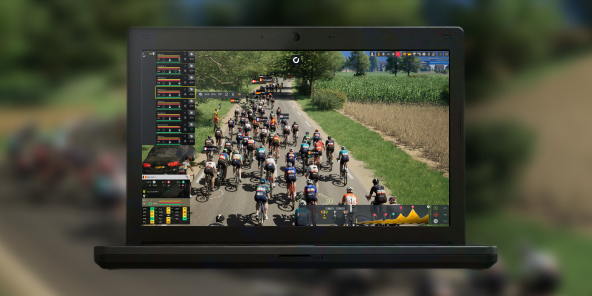
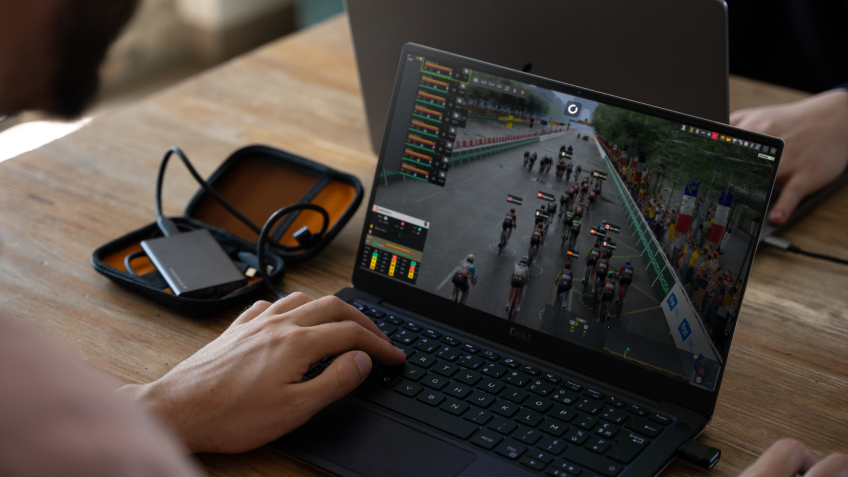
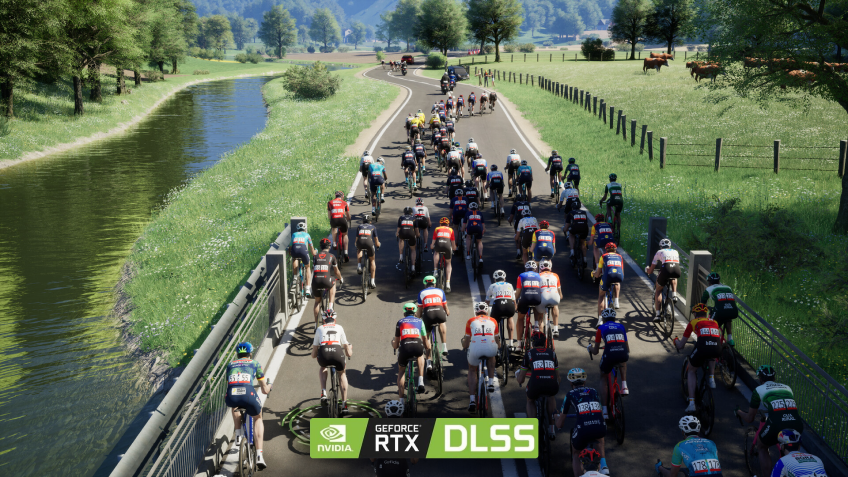
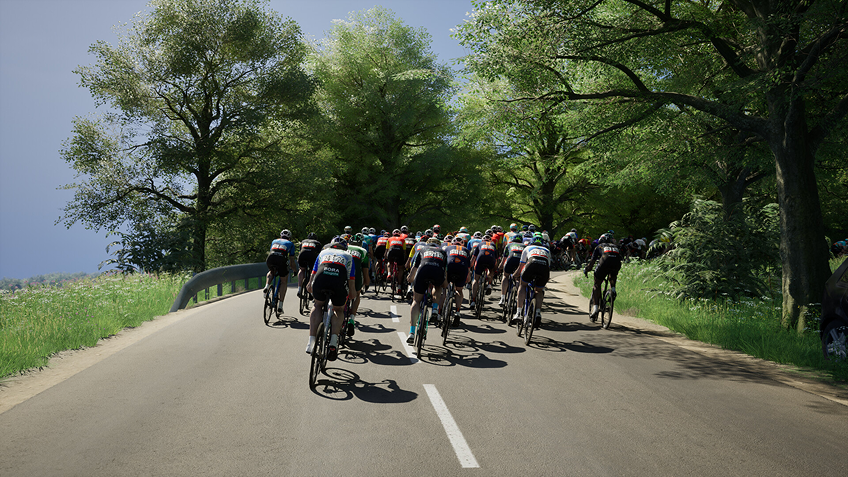
Pro Cycling Manager 26 runs its race simulation on a full 3D engine. On a budget PC with integrated graphics, that is where the stutters start. On Shadow PC, the same 3D engine runs on a dedicated RTX card, with smooth playback whether you are watching a mountain breakaway unfold or a bunch sprint settle in the final kilometer. Choose Detailed Simulation for maximum accuracy, or keep racing live. Every attack, every gap, every peloton move plays out crisp on the screen in front of you.
3. Built for the PC you already have
No assembly. No reinstall. No upgrade cycle. Shadow PC arrives ready: Windows 11, drivers current, Steam up in minutes. Plug in your mouse and keyboard, or grab a controller for race day. Shadow PC runs in a lightweight client or a browser tab, on Windows, Linux, or Mac. Your season, your team, your Pro Cycling Manager 26 save, accessible from any screen you own. Pro Cycling Manager 26 runs great on what you already have, thanks to Shadow PC.
Shadow PC versus other ways to play Pro Cycling Manager 26 on any PC
| Shadow PC | Upgrade your GPU | Buy a new gaming PC | |
|---|---|---|---|
| Set up in under 5 minutes |
Shadow PC
|
Upgrade your GPU
Hours to install
|
Buy a new gaming PC
Setup required
|
| Full DirectX 12 and Shader Model 6.6 support |
Shadow PC
|
Upgrade your GPU
Depends on the card
|
Buy a new gaming PC
Depends on model
|
| Full 3D race engine, no frame drops |
Shadow PC
|
Upgrade your GPU
If budget allows
|
Buy a new gaming PC
If budget allows
|
| Install PCM mods freely |
Shadow PC
|
Upgrade your GPU
|
Buy a new gaming PC
|
| No hardware replacement cycle |
Shadow PC
|
Upgrade your GPU
Every 3 to 4 years
|
Buy a new gaming PC
Every 3 to 4 years
|
| Play from any device you already own |
Shadow PC
|
Upgrade your GPU
|
Buy a new gaming PC
|

Neo is the Shadow PC built for Pro Cycling Manager 26
To run Pro Cycling Manager 26's full race engine and management mode, Neo gives you a dedicated RTX GPU with 16 GB of VRAM and 16 GB of RAM. Everything the simulation needs, ready to go, with nothing to buy or upgrade. Stream to any laptop, desktop, tablet or TV you already own. No commitment, cancel any time.

Neo Lite
per month

 Perfect for occasional gaming in 1440p with RTX
 Up to 120 hours of play per month, sessions up to 4hStream to any device in 1440pInstall your games & mods from Steam, Epic, Battle.net...*Upgrade to Shadow PC anytime as you play more
Power Lite
per month
Up to 50% more GPU power than Neo28GB RAM / 20GB VRAM for better in-game performanceUp to 120 hours of play per month, sessions up to 4hStream to any device in 1440pInstall your games & mods from Steam, Epic, Battle.net...*Upgrade to Shadow PC anytime as you play more
Neo
per month
Perfect for 1080/1440p gaming with RTXStream to any device up to 1440p+Install your games & mods from Steam, Epic, Battle.net...*Multi screen and ultrawide supportNVIDIA RTX and DLSS compatibility
Power
per month
Up to 50% more GPU power
 28GB RAM / 20GB VRAM for better gaming performanceStream to any device up to 5K+Install your games & mods from Steam, Epic, Battle.net...*Multi screen and ultrawide supportNVIDIA RTX and DLSS compatibility
Getting started in 3 easy steps
Whether you're on a 5-year-old laptop, a Chromebook, a work desktop, or any screen with a browser, Shadow PC gives you the right machine for Pro Cycling Manager 26 in three steps. No hardware to buy, no drivers to find.

Go to shadow.tech and select the PC configuration that matches your performance needs.

Install the Shadow client on your Windows or Linux machine, or connect directly from your browser via pc.shadow.tech.

Start your Shadow PC, install Steam, wishlist or pre-order Pro Cycling Manager 26, and be ready to build your squad on June 15.
Pro Cycling Manager 26 in short
Pro Cycling Manager 26 is the cycling management simulation by Cyanide Studio and Nacon, launching June 15, 2026 on PC. Manage recruitment, plan your season calendar with four race priority levels, and guide your squad across the Grand Tours and the Classics. A redesigned day form system, a new Detailed Simulation mode for realistic race outcomes, and an expanded Pro Cyclist career are the key additions in the 2026 edition.

FAQ
Shadow PC is a complete Windows 11 gaming PC hosted in the cloud, with its own dedicated GPU. You install and run any game, app or software, with no restricted catalog.
Your Shadow is a true professional Windows workstation. Install everything you need*: Adobe Suite, CAD tools, development IDEs, etc.
Any device capable of playing HD video works as a client. Shadow PC runs in a lightweight app on Windows, Linux, Mac, Android, iOS or Apple TV, or in any browser. The heavy lifting happens in the cloud.
For each device of your choosing, you can download the Shadow PC software client for free; in particular, this will allow you to test the browsing quality and adjust your video quality settings to the highest resolution, such as 4k. When you need to quickly access your environment and files via a new device or a workstation that's limited in terms of software installation, you can now directly access your Shadow PC via a browser. No installation required, it's quick and easy: Just head to the pc.shadow.tech web page! This access mode comes particularly in handy when you're giving a client a demo or delivering training via a demanding software directly on your clients or prospects' device: No need to lug around your own hardware, with your software and data, as Shadow PC gives you easy and instant access to it, at any tie and anywhere.
Yes. Shadow PC downloads at up to 1 Gb/s to your virtual PC, even if your local connection is slow. Large game installs take minutes.
No. Streaming latency is virtually imperceptible, and on a stable 50 Mb/s connection the result matches a local PC.
Yes. Shadow PC streams up to 4K UHD, higher on Power. Some games may not support 4K natively.