Play Transport Fever 3 on any Mac
The Mac version needs an M2 Pro chip and 16 GB of memory. Shadow PC runs the Windows version in the cloud, so your MacBook Air or Intel Mac can play too.
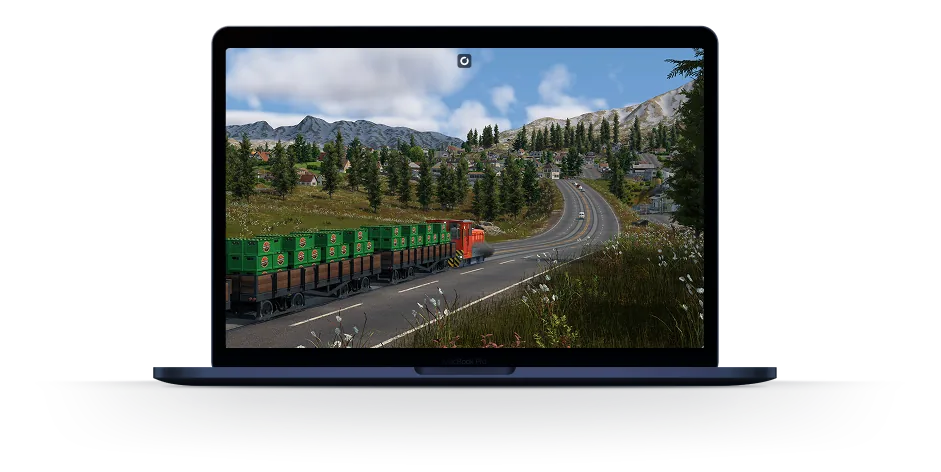


Transport Fever 3 on Mac, chip by chip
Transport Fever 3 came out on September 29, 2026, with a native Mac version on Steam, the Epic Games Store and GOG. The catch is the minimum spec: an Apple M2 Pro chip, 16 GB of memory and macOS Sequoia 15.7. Intel Macs can't run it at all. A MacBook Air with an M1, M2, M3 or M4 chip sits below the minimum, and so does any Mac with 8 GB of memory.
Shadow PC is a full Windows PC in the cloud. You install the Windows version of the game on it and play from the Shadow app on your Mac, or in Chrome at pc.shadow.tech. Your Mac just displays the stream, so its chip and memory no longer matter. More on playing Windows games on a Mac.
1. Below the minimum? Play the Windows version
If you bought Transport Fever 3 on Steam, you already own the Windows version, since one Steam purchase covers Windows, macOS and Linux and you can install it on any of them from your library. Sign in to Steam on your Shadow PC, install the game and start building. Bought it on the Epic Games Store or GOG? Sign in to that launcher instead.
The Mod Hub is inside the game, so you browse and subscribe to mods the same way you would on any PC. New vehicles, maps and stations download to your Shadow PC and stay there between sessions.
Your Mac can be an Intel MacBook Pro, an M1 MacBook Air or an 8 GB iMac. It only needs the Shadow app and a 15 Mbit/s connection.
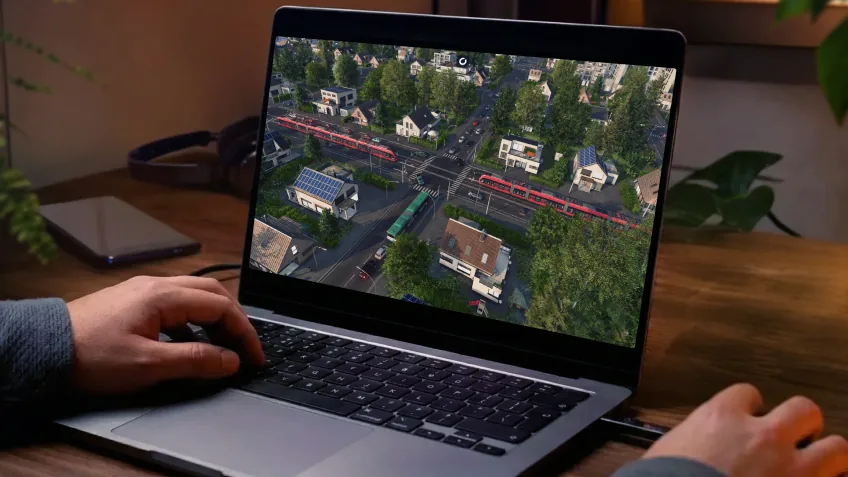
Compare the specs before you build
Official Transport Fever 3 requirements, as listed on Steam on November 26, 2026.
| Shadow PC | Mac minimum | Windows minimum | Windows recommended | |
|---|---|---|---|---|
| Processor | Shadow PC Runs on your Shadow PC | Mac minimum Apple M2 Pro | Windows minimum Core i5-8400 or Ryzen 5 2600X, with AVX2 | Windows recommended Core i7-13700K or Ryzen 7 7800X3D |
| Graphics | Shadow PC Dedicated NVIDIA RTX card | Mac minimum Apple M2 Pro | Windows minimum GTX 1060, RX 480 or Arc A380, 4 GB | Windows recommended RTX 3070, RX 6800 or Arc A770, 8 GB |
| Memory | Shadow PC Up to 28 GB on Power and Power Lite | Mac minimum 16 GB | Windows minimum 8 GB | Windows recommended 16 GB |
| Storage | Shadow PC 512 GB SSD, up to 5 TB | Mac minimum 90 GB on an SSD | Windows minimum 90 GB on an SSD | Windows recommended 90 GB on an SSD |
| Your computer | Shadow PC Any Mac, PC or Chromebook. A 15 Mbit/s connection is enough | Mac minimum macOS Sequoia 15.7, Apple Silicon only | Windows minimum Windows 10 or 11, 64-bit | Windows recommended Windows 11 |
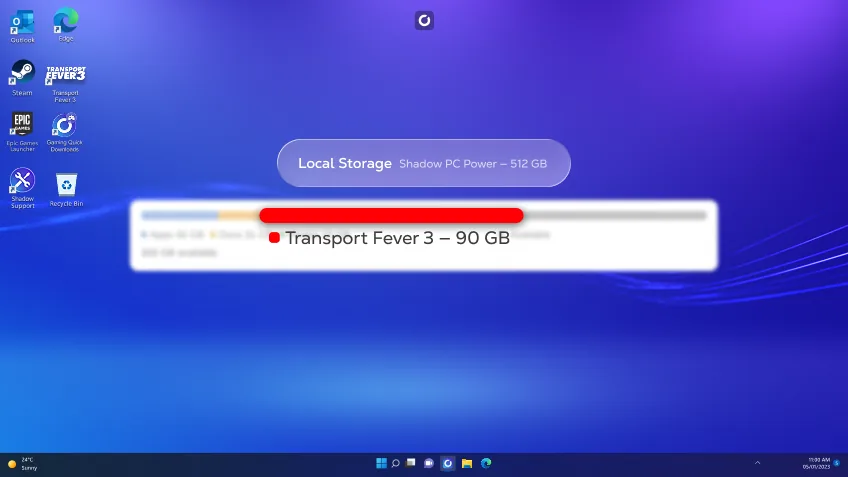
2. Install 90 GB without filling up your Mac
Transport Fever 3 takes 90 GB, and it has to sit on an SSD. On a Mac with 256 GB of storage, that's more than a third of the drive before you add a single mod.
On Shadow PC, the game installs on your Shadow PC's SSD: 512 GB on Shadow PC, 256 GB on Shadow PC Lite, and you can add storage up to 5 TB. Your Mac keeps its space for your photos, your work and your other games.
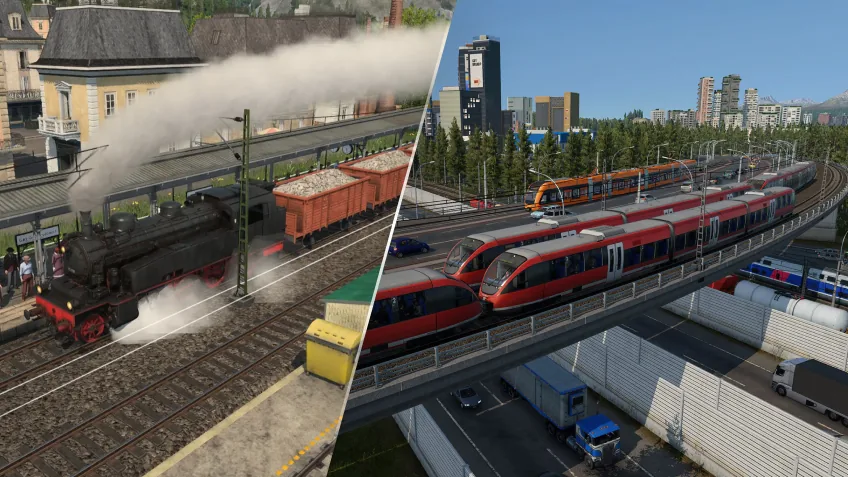
3. Grow your network from 1900 to 2030
A new map starts with horse carts and a couple of towns. A few decades later, you have trains, buses, ships and planes moving cargo between growing cities, and the game has a lot more to simulate. Late-game maps get heavy. That's why the recommended PC has a Core i7-13700K or Ryzen 7 7800X3D and 16 GB of RAM.
With Shadow PC, the simulation runs in the cloud, not on your Mac. Power and Power Lite come with 28 GB of RAM and 20 GB of video memory. Your Mac just shows the stream, so it stays cool on your lap during a long session.
See how our players play it
Transport Fever 3 sessions on Shadow PC, from September 29 to November 25, 2026.
Launch month
9th
most played game on Shadow PC in its first month, out of 1,314 games.
On Mac
1 in 3
sessions are played from a Mac, against fewer than 1 in 5 for other games.
Below the minimum
3 in 4
Mac sessions come from a Mac below the game's minimum spec.
Long sessions
112 min
for an average session on Shadow PC in the first month.

Pick your Shadow PC for big maps
Every Shadow PC has a dedicated NVIDIA RTX graphics card and an SSD you can expand up to 5 TB. Power and Power Lite bring 28 GB of RAM and 20 GB of video memory for your biggest maps. No commitment.

Neo Lite
per month

 Perfect for occasional gaming in 1440p with RTX

 Up to 120 hours of playtime per month, sessions up to 4hStream to any device in 1440pInstall your games & mods from Steam, Epic, Battle.net...*Upgrade to Shadow PC anytime as you play more

Power Lite
per month
Up to 50% more GPU power than Neo28GB RAM / 20GB VRAM for better in-game performanceUp to 120 hours of playtime per month, sessions up to 4hStream to any device in 1440pInstall your games & mods from Steam, Epic, Battle.net...*Upgrade to Shadow PC anytime as you play more
Neo
With the 1-year plan, for life.
Perfect for 1080/1440p gaming with RTXStream to any device up to 1440p+Install your games & mods from Steam, Epic, Battle.net...*Multi screen and ultrawide supportNVIDIA RTX and DLSS compatibility
Power
With the 1-year plan, for life.
Up to 50% more GPU power
 28GB RAM / 20GB VRAM for better gaming performanceStream to any device up to 5K+Install your games & mods from Steam, Epic, Battle.net...*Multi screen and ultrawide supportNVIDIA RTX and DLSS compatibility
Lay your first tracks in 3 steps
All you need is your Steam, Epic or GOG account, your Mac and a 15 Mbit/s connection.


It runs on macOS, Windows, Android, iOS, Linux, Android TV and Apple TV, or in Chrome and Edge at pc.shadow.tech.

Sign in to Steam, Epic Games Store or GOG on your Shadow PC and install the game from your library.
Get to know Transport Fever 3
Transport Fever 3 is a transport tycoon game from Urban Games, published by Paradox Interactive. You start in 1900 with horse-drawn wagons and build roads, railways, ports and airports to carry passengers and cargo between towns and industries, all the way to 2030 and beyond. Towns grow around your stations, industries depend on your deliveries, and each line has to earn more than it costs. It came out on September 29, 2026 on PC, Mac, Linux, PS5 and Xbox Series X|S, with a built-in Mod Hub on PC and consoles.


FAQ
Yes. Transport Fever 3 has a native Mac version on Steam, the Epic Games Store and GOG, but it needs at least an Apple M2 Pro chip, 16 GB of memory and macOS Sequoia 15.7. The recommended Mac has an M4 Pro and 24 GB. If your Mac doesn't meet the minimum, Shadow PC runs the Windows version in the cloud and streams it to your Mac.
Not according to the official requirements. The Mac version asks for an M2 Pro chip and 16 GB of memory, and no MacBook Air has a Pro chip. With Shadow PC, the game runs on a Windows PC in the cloud and your MacBook Air only displays it, whatever its chip or memory.
Not natively: the Mac version is for Apple Silicon only. On an Intel Mac, install the Shadow app (or open pc.shadow.tech in Chrome) and play the Windows version on your Shadow PC.
On Windows, the minimum is an Intel Core i5-8400 or AMD Ryzen 5 2600X with AVX2, 8 GB of RAM, a GTX 1060, RX 480 or Arc A380 with 4 GB of video memory, and 90 GB on an SSD. The recommended PC has a Core i7-13700K or Ryzen 7 7800X3D, 16 GB of RAM and an RTX 3070, RX 6800 or Arc A770. On Mac, the minimum is an M2 Pro with 16 GB, and the recommended Mac has an M4 Pro with 24 GB.
Yes, with Shadow PC. It's a full Windows PC in the cloud, so you install Transport Fever 3 from your own Steam, Epic Games Store or GOG library and play it as you would on any PC, mods included. You can play from a Mac, a Windows laptop, a Chromebook, a phone or a TV.
Yes. Open the Mod Hub from the game's menu, browse and subscribe to mods, and they download to your Shadow PC. They stay installed between sessions, like on any PC.
No. Shadow PC runs the games you own. Sign in to Steam, the Epic Games Store or GOG on your Shadow PC and install Transport Fever 3 from your library. On Steam, the same purchase covers the Windows, Mac and Linux versions.
At least 15 Mbit/s, ideally over Ethernet or 5 GHz Wi-Fi. Your Mac receives a video stream of the game, so its chip, memory and storage don't change how the game runs.