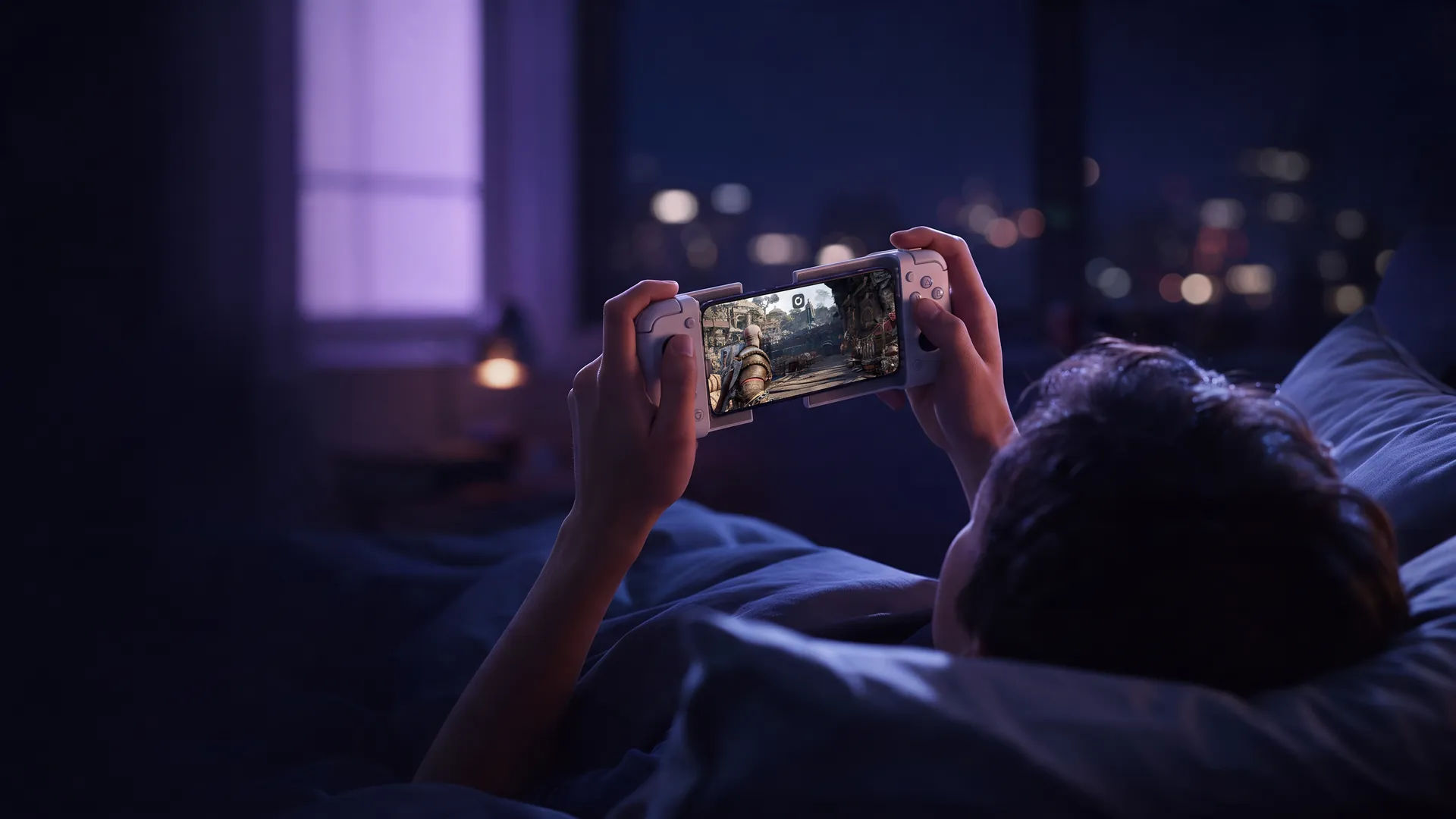
How to play PC games on iPhone
Your iPhone can't run Windows games by itself. A PC can, and it doesn't have to be in your house.
- Native iOS app
- Your Steam and Epic games
- Works away from home
To play PC games on iPhone, you need two things: a Windows PC to run the game, and an app that streams that PC to your screen. Your phone can only ever be the second part. PC games don't install on iOS, and the Steam app on the App Store looks after your account and the store, nothing more.
So the real choice is whose PC does the work. Your own gaming PC at home, through Steam Link or Moonlight. A cloud service with its own catalog. Or a full Windows PC in the cloud like Shadow PC, where you install the games you already own and play them on your iPhone with nothing switched on at home.
Wondering if your iPhone is up to it?
It is, as long as it runs iOS 15 or later. See what it takes to turn it into a PC gaming console, from the app to the controller.
Your iPhone has the screen, not the Windows part
An iPhone chip is fast. It still can't run a game built for a Windows PC, and iOS won't let you install another operating system the way you could on a laptop.
So the Steam app on the App Store won't launch anything. It's a companion for chat, the store and the downloads you queue for a PC, and most other PC launchers on iOS work the same way.
A handful of PC hits do exist as iOS ports. They're rebuilt for the phone, sold to you a second time, and usually without their mods. Everything else has to run on a PC and reach your screen as a video stream.

Streaming your own PC works, at home
If a gaming PC already sits under your desk, Steam Link and Moonlight are free and very good at their job. Install the app on your iPhone, pair it with the PC over your Wi-Fi, and the PC sends you its screen.
The catch is the PC itself. It has to be switched on and awake whenever you want to play, and away from home the picture depends on your upload speed. Moonlight also needs some router setup before it works outside the house.
No gaming PC? Then this method starts with buying one.
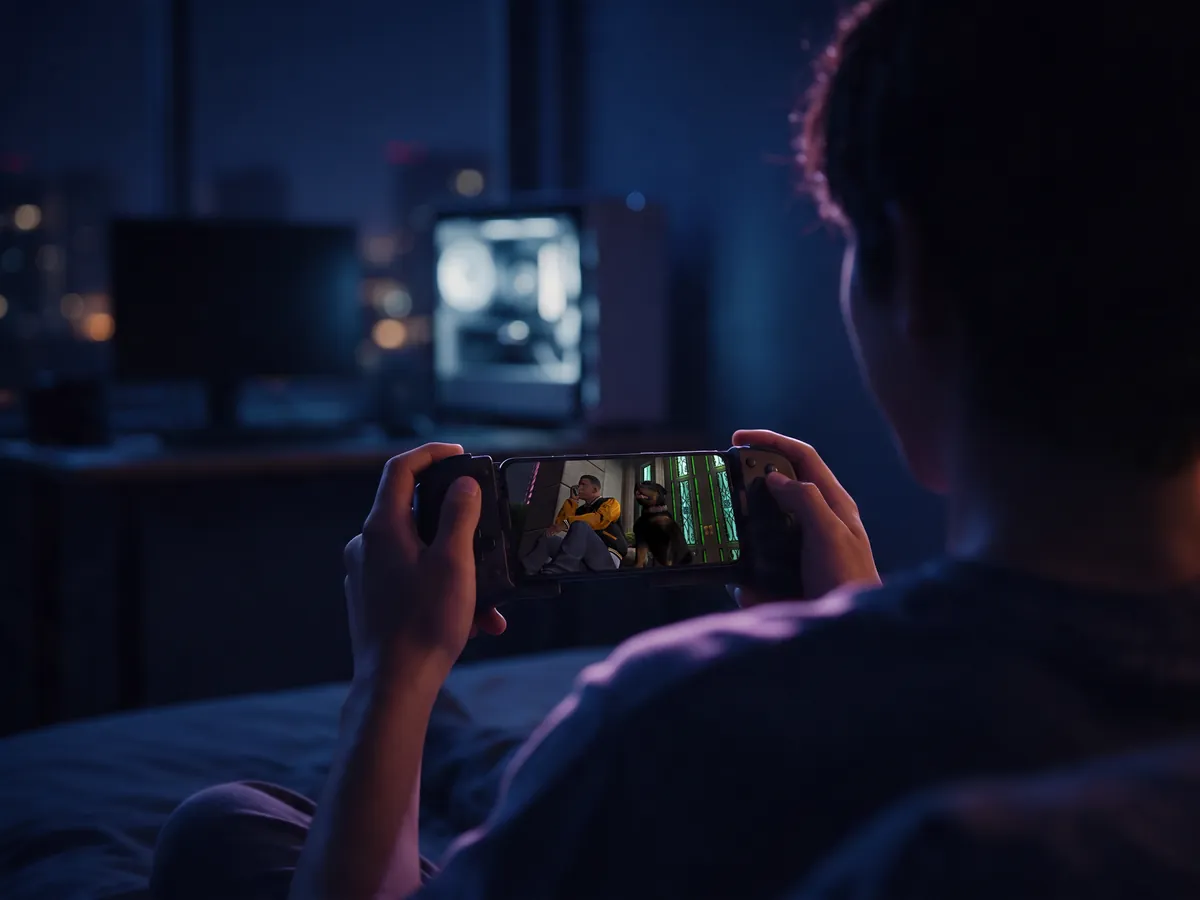
No PC at home: rent one, keep your library
Cloud gaming moves the PC to a data center, but there are two very different ways of doing it.
Catalog services such as GeForce Now or Xbox Cloud Gaming stream a list of supported games, and on iPhone GeForce Now runs in Safari as a web app. If your game is on the list, it's quick to start. If it isn't, or it needs mods or a launcher they don't support, there's no way around it.
Shadow PC rents you the whole computer instead: Windows 11, your own NVIDIA RTX graphics card and storage that keeps your installs, through a native iOS app. You install Steam, Epic Games, Battle.net or GOG yourself. What you download stays put.
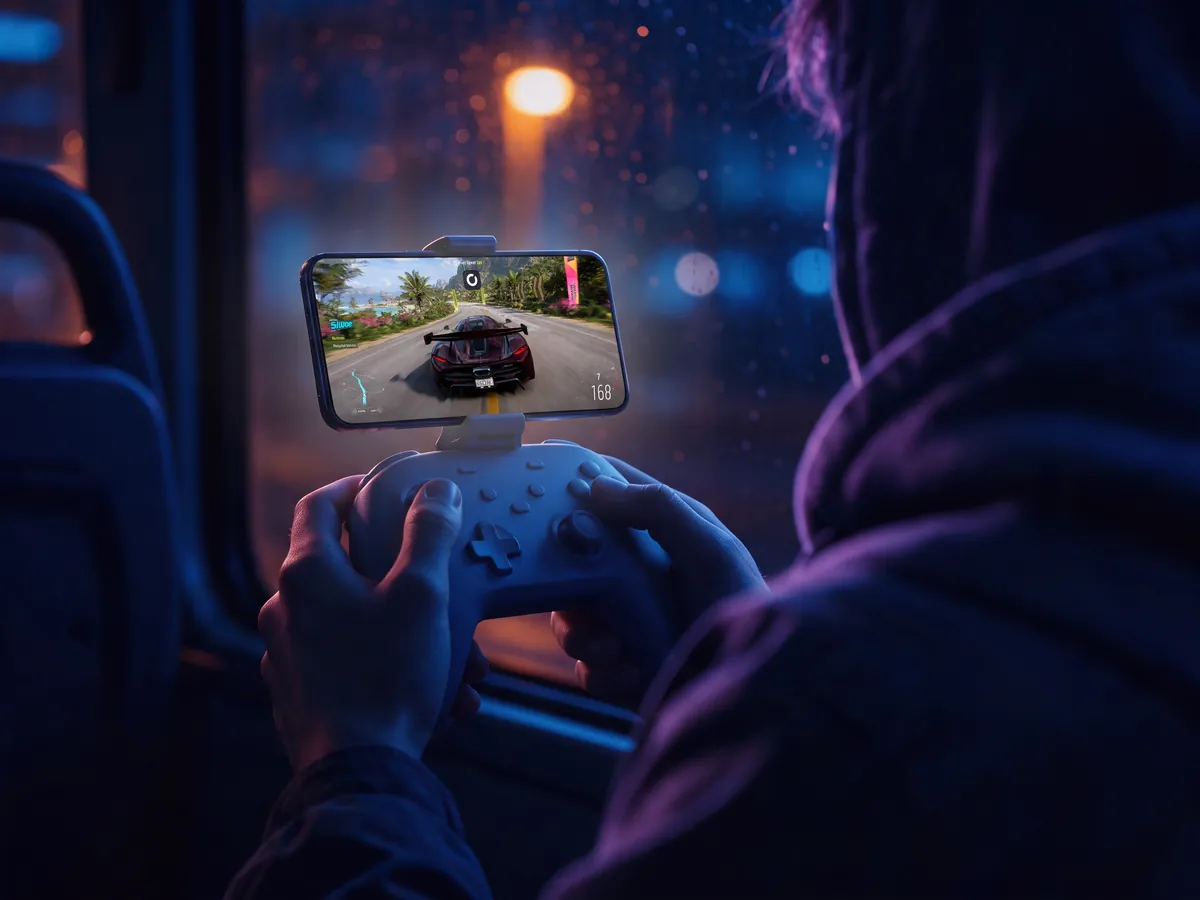
Four ways to play PC games on iPhone
Each one answers two questions differently: whose PC runs the game, and which games you get.
| Shadow PC | Steam Link, Moonlight | Cloud catalogs | iOS ports | |
|---|---|---|---|---|
| Gaming PC at home |
Shadow PC
None
|
Steam Link, Moonlight
Required, switched on
|
Cloud catalogs
None
|
iOS ports
None
|
| Games you can play |
Shadow PC
Your PC library
|
Steam Link, Moonlight
Your PC library
|
Cloud catalogs
Supported list
|
iOS ports
Ported titles only
|
| Launchers and mods |
Shadow PC
Yes
|
Steam Link, Moonlight
Yes
|
Cloud catalogs
Limited
|
iOS ports
No
|
| On iPhone |
Shadow PC
Native app
|
Steam Link, Moonlight
Native app
|
Cloud catalogs
Browser or app
|
iOS ports
Native app
|
| Away from home |
Shadow PC
Yes
|
Steam Link, Moonlight
Depends on your home upload
|
Cloud catalogs
Yes
|
iOS ports
Yes
|
Cloud catalogs: GeForce Now or Xbox Cloud Gaming.
Then it plays like a PC, because it is one
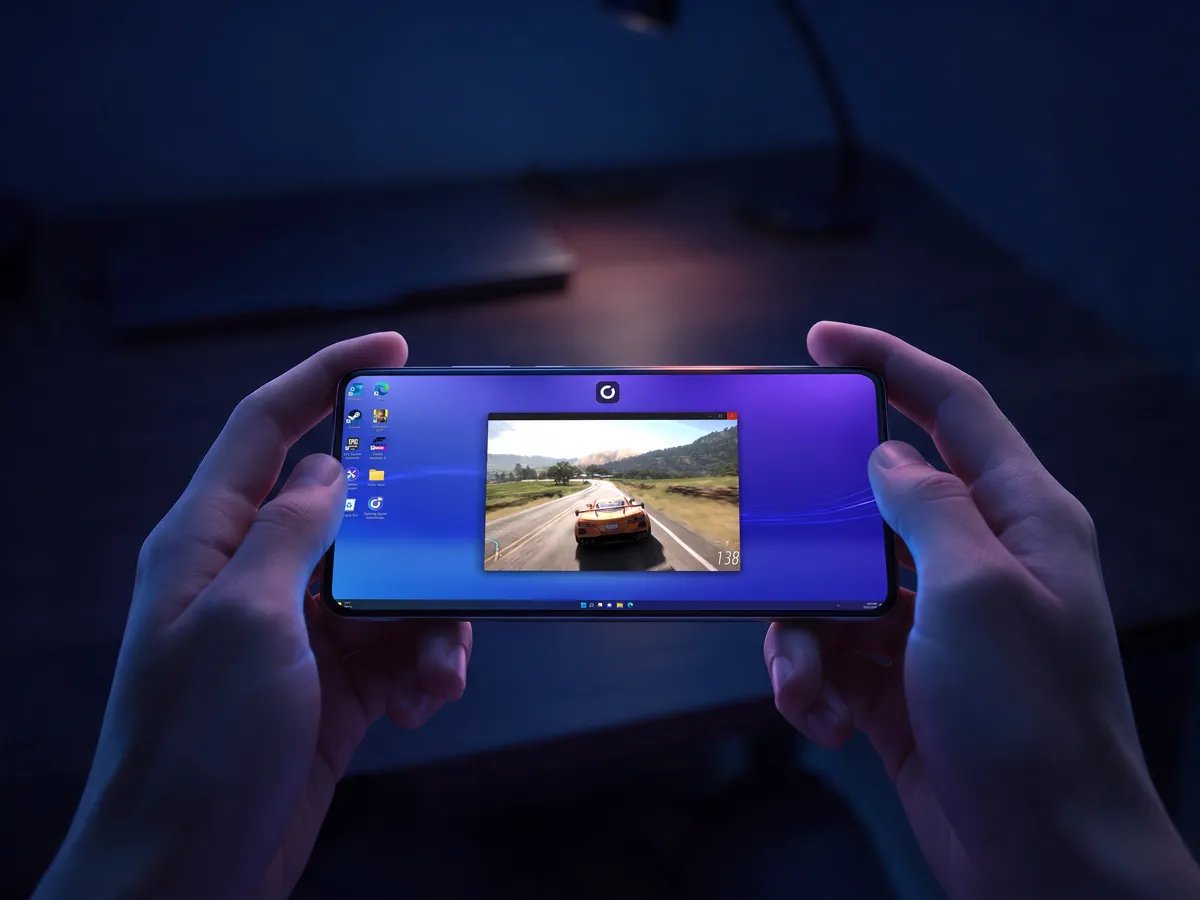
Open the app and you land on your Windows desktop. Install Steam, sign in and download your games over the cloud PC's 1 Gb/s connection, not over your phone's data. After that, you're one tap from Play.
The same PC opens on your laptop, your iPad or your TV, with your saves where you left them, and our page on turning your phone into a PC gaming console covers the controller and the connection.
A short list of games with strict anti-cheat won't run on a cloud PC. The rest of your library will.
Questions about playing PC games on iPhone
Not with the Steam app alone, because it doesn't run games. You need a PC somewhere. With Shadow PC that PC is in the cloud: install Steam on it, then play your library from the Shadow PC app, with nothing switched on at home.
Not one that runs them on the phone. Steam Mobile handles your account, your friends and the store, and can queue downloads on a PC. Steam Link streams games from your own PC at home.
A stable one matters more than a fast one. Aim for 15 Mbps at least, 50 Mbps for 1080p, ideally on 5 GHz Wi-Fi with a ping of 30 ms or less.
Yes. The Shadow PC app has a virtual gamepad, plus Trackpad and Touch modes for the Windows desktop. Games built for a mouse or a pad are still easier with the real thing.
MFi controllers and recent Xbox and PlayStation pads pair over Bluetooth in the iOS settings. Controllers like the Backbone One plug straight into the phone, in USB-C or Lightning versions.
Yes. The PC runs in a data center, not in your living room, so any steady connection with 15 Mbps or more will do: hotel Wi-Fi, a train with decent coverage, 5G.
Nearly every one. A few titles with strict anti-cheat refuse to run on a cloud PC, and Shadow keeps them listed on its compatibility page.
Your library fits in your pocket
See how your iPhone becomes a PC gaming console, and take your games from your bed to the night bus.