What is the best way to play Warframe on a Mac?
Play the full PC version of Warframe on any Mac by streaming a real RTX Windows PC. In 4K, with DLSS, and nothing to install.
So, why Shadow PC is the best PC
for playing Warframe?
Honestly, the one you don't have to buy. Warframe has no real Mac version, so the open landscapes, the Railjack missions and years of your account stay locked behind hardware you don't have. A gaming PC that runs it all in 4K costs well over a thousand dollars, and lives on a desk. Or you skip the box and stream a real gaming PC. Shadow PC gives you Windows 11, your own Steam or Epic account, every Warframe you've unlocked. The full PC game, on the Mac you already own.
Why Shadow PC is the best PC to play Warframe
1. Real RTX gaming power, without buying the RTX
A dedicated NVIDIA RTX GPU runs Warframe at high settings with DLSS on, but you never buy the GPU, install it, or upgrade it when the next cinematic update drops. Stream the result, and your MacBook, your iMac, your iPad or your living-room TV becomes the gaming PC. Neo comes with that RTX GPU and 16 GB of RAM, already set up. Nothing to order, nothing to assemble.
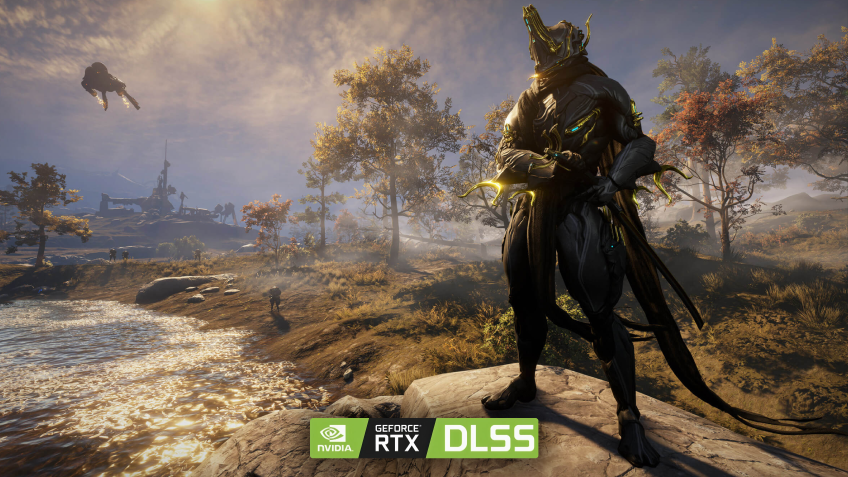
2. The Origin System, in crisp 4K
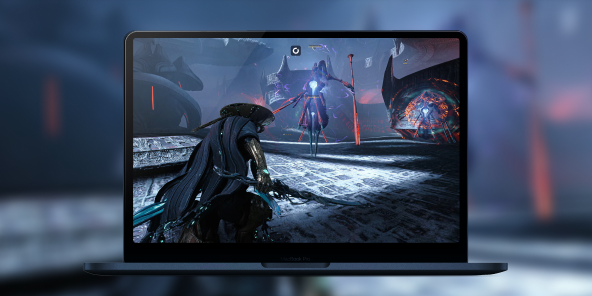
Stream from a real RTX-powered Windows PC, straight to your screen. Up to 4K, smooth 60+ fps, DLSS keeping it sharp. The client outputs at your display's native resolution, so every energy trail off your blade, every Void storm, every gory finisher in a packed Survival run lands clean on the Mac in front of you. The full look Digital Extremes ships, native to your screen.
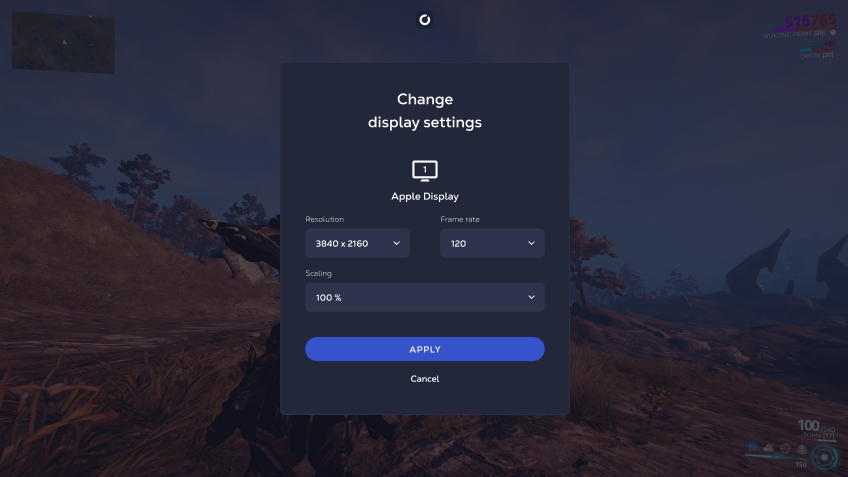
3. Built for the Mac you already have
No assembly. No Windows install. No driver updates. Shadow PC ships ready and stays current: GPU drivers, Windows patches, Steam and the Epic launcher, all kept fresh on our side. Plug in your mouse, keyboard and headset, or pair an Xbox, PlayStation or Switch Pro controller in seconds. Wi-Fi 6 or Ethernet recommended. Warframe runs great on the Mac you already own, thanks to Shadow PC.
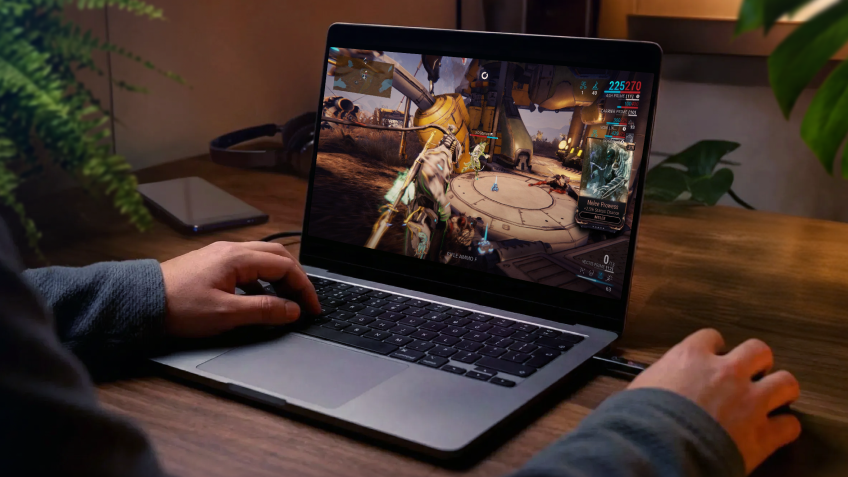
Shadow PC versus other ways to play Warframe on Mac
| Shadow PC | Mac wrappers | Other cloud gaming | |
|---|---|---|---|
| Play the full PC version on Mac |
Shadow PC
|
Mac wrappers
Wrapper, hit or miss
|
Other cloud gaming
|
| 4K with DLSS on |
Shadow PC
|
Mac wrappers
Depends on your Mac
|
Other cloud gaming
Depends on plan
|
| No tinkering to set up |
Shadow PC
|
Mac wrappers
Manual setup
|
Other cloud gaming
|
| Your own Windows PC, install anything |
Shadow PC
|
Mac wrappers
|
Other cloud gaming
Catalog only
|
| Runs on old or low-power Macs |
Shadow PC
|
Mac wrappers
Apple Silicon required
|
Other cloud gaming
|
| Zero upfront hardware cost |
Shadow PC
|
Mac wrappers
|
Other cloud gaming
|

Neo is the Shadow PC built for Warframe
Warframe rewards fast, fluid play, and Neo is built for it: a dedicated NVIDIA RTX GPU and 16 GB of RAM run the Origin System at high settings with DLSS on. It gives you the frames to parkour, aim glide and melee without a hitch, streaming to any MacBook, iMac, iPad or TV you already own.

Neo Lite
per month

 Perfect for occasional gaming in 1440p with RTX
 Up to 120 hours of play per month, sessions up to 4hStream to any device in 1440pInstall your games & mods from Steam, Epic, Battle.net...*Upgrade to Shadow PC anytime as you play more
Power Lite
per month
Up to 50% more GPU power than Neo28GB RAM / 20GB VRAM for better in-game performanceUp to 120 hours of play per month, sessions up to 4hStream to any device in 1440pInstall your games & mods from Steam, Epic, Battle.net...*Upgrade to Shadow PC anytime as you play more
Neo
For the first six months, $37.99 after.
Perfect for 1080/1440p gaming with RTXStream to any device up to 1440p+Install your games & mods from Steam, Epic, Battle.net...*Multi screen and ultrawide supportNVIDIA RTX and DLSS compatibility
Power
For the first six months, $54.99 after.
Up to 50% more GPU power
 28GB RAM / 20GB VRAM for better gaming performanceStream to any device up to 5K+Install your games & mods from Steam, Epic, Battle.net...*Multi screen and ultrawide supportNVIDIA RTX and DLSS compatibility
Getting started in 3 easy steps
Whether you're on a five-year-old MacBook, a Mac mini, an iMac, an iPad or any TV with a streaming stick, Shadow gives you the best PC for Warframe in three clicks. No hardware to buy, no system to build, no Windows to install.

Go to shadow.tech and select the PC configuration that matches your performance needs.


Start your Shadow PC, install Steam or the Epic Games launcher, download Warframe for free, and pick your first Warframe.
Warframe in short
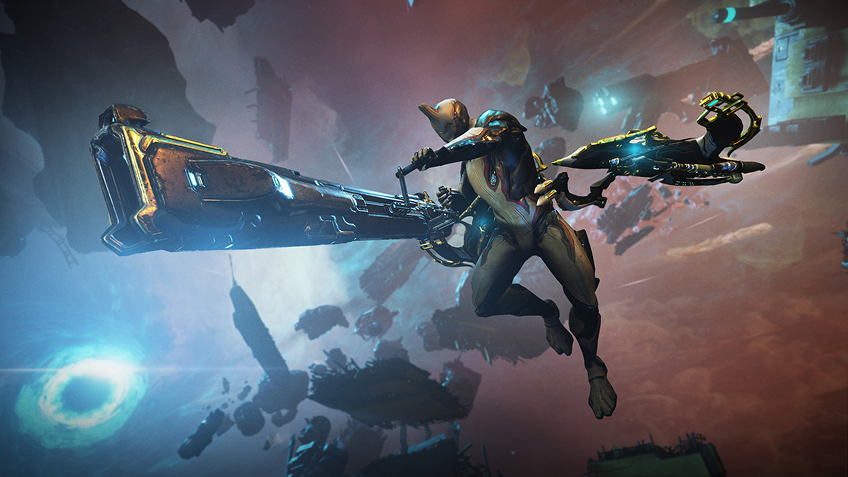
Warframe is a free-to-play online action RPG from Digital Extremes, first released in March 2013 and still expanding. You play a Tenno, controller of the Warframes, agile bio-mechanical suits, across the Origin System. Parkour movement, deep Mod and build crafting, co-op missions for up to four players. Open landscapes, Railjack space combat, and a story that has grown for over a decade.

FAQ
Shadow PC is a complete Windows 11 gaming PC hosted in the cloud, with its own dedicated GPU. You install and run any game, app or software, with no restricted catalog.
Your Shadow is a true professional Windows workstation. Install everything you need*: Adobe Suite, CAD tools, development IDEs, etc.
Yes, both the Shadow app and the browser version work on most recent versions of macOS and computers.
For each device of your choosing, you can download the Shadow PC software client for free; in particular, this will allow you to test the browsing quality and adjust your video quality settings to the highest resolution, such as 4k. When you need to quickly access your environment and files via a new device or a workstation that's limited in terms of software installation, you can now directly access your Shadow PC via a browser. No installation required, it's quick and easy: Just head to the pc.shadow.tech web page! This access mode comes particularly in handy when you're giving a client a demo or delivering training via a demanding software directly on your clients or prospects' device: No need to lug around your own hardware, with your software and data, as Shadow PC gives you easy and instant access to it, at any tie and anywhere.
Yes. Shadow PC downloads at up to 1 Gb/s to your virtual PC, even if your local connection is slow. Large game installs take minutes.
No. Streaming latency is virtually imperceptible, and on a stable 50 Mb/s connection the result feels like a local PC. You explore the ocean and pilot your vehicles with no perceptible delay.
Yes. Shadow PC streams up to 4K UHD, higher on Power. Some games may not support 4K natively.
Yes. You install Warframe from Steam or the Epic Games launcher and play it exactly like on a Windows PC. Your account, saves and progression are all there.